



01
Art Bank — UX Audit & IA Redesign
Art Bank — UX Audit & IA Redesign
02
Project Context, Approach & Key Findings
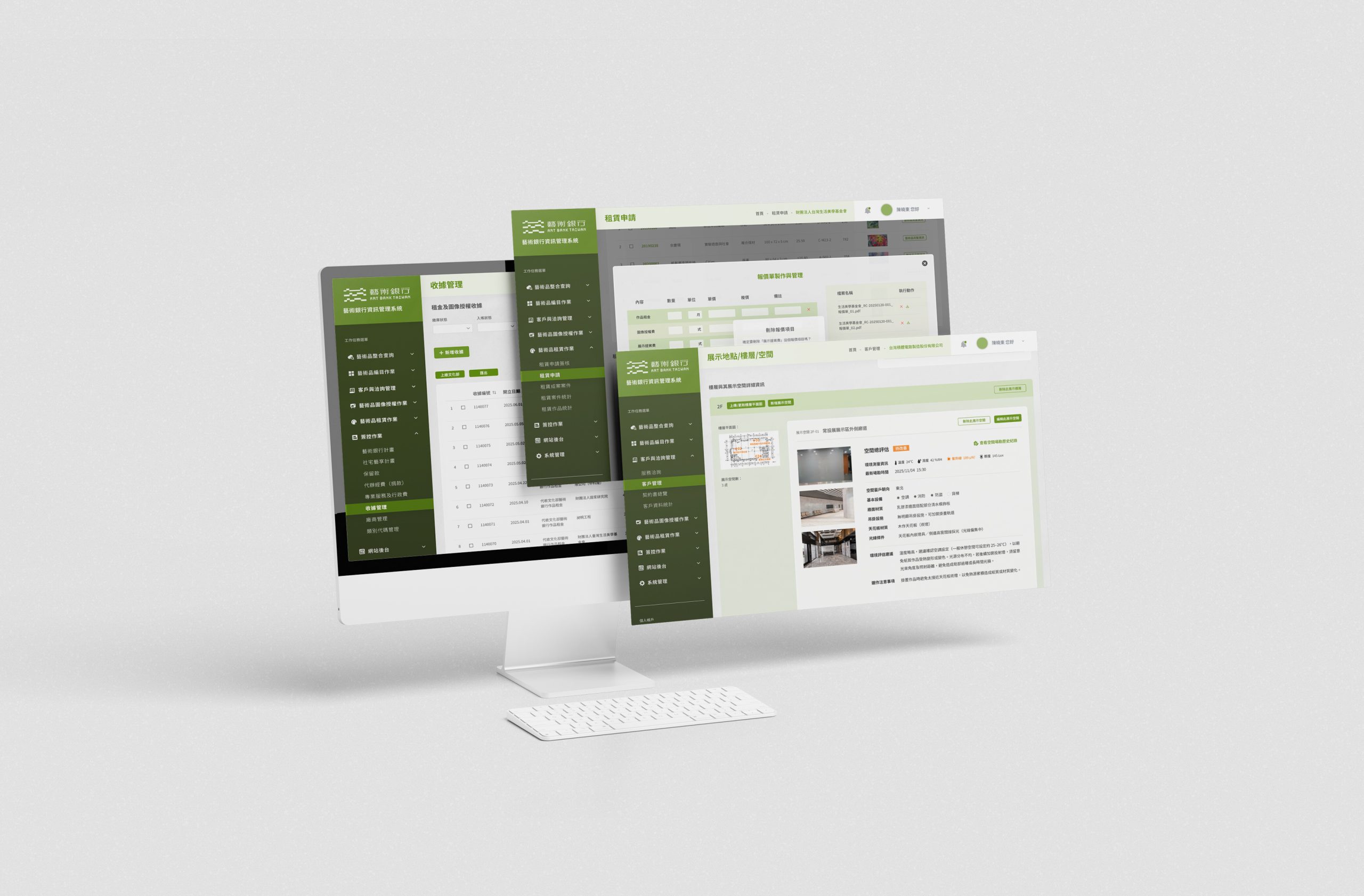
The Art Bank operates a multi-module internal system that supports artwork inventory and day-to-day operations. Over time, features were added without a consistent information architecture, leading to high cognitive load and fragmented workflows. Users often struggle to locate the right module quickly, keep data naming and records consistent, and complete multi-step operational tasks with confidence—especially when work spans multiple roles.
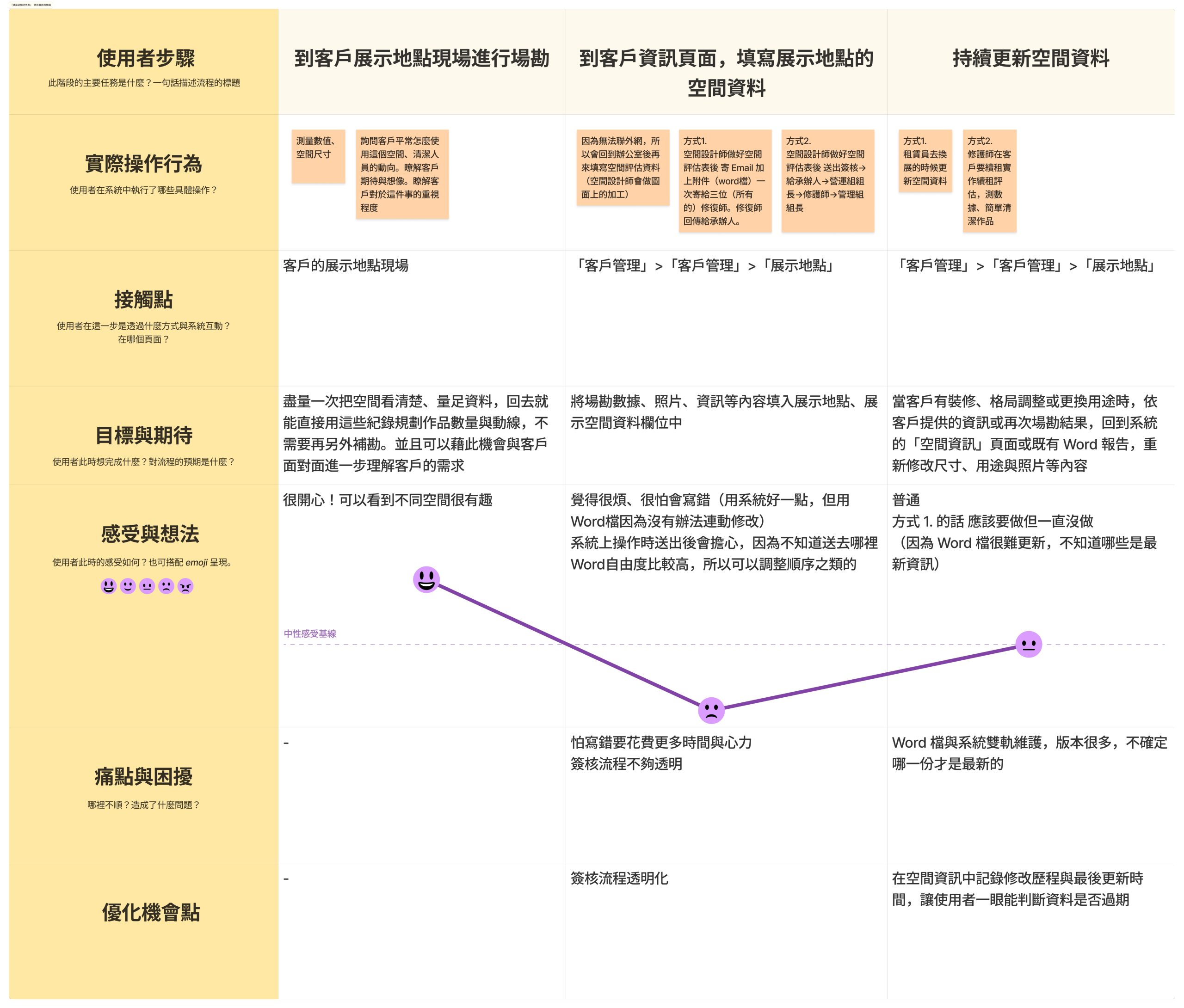
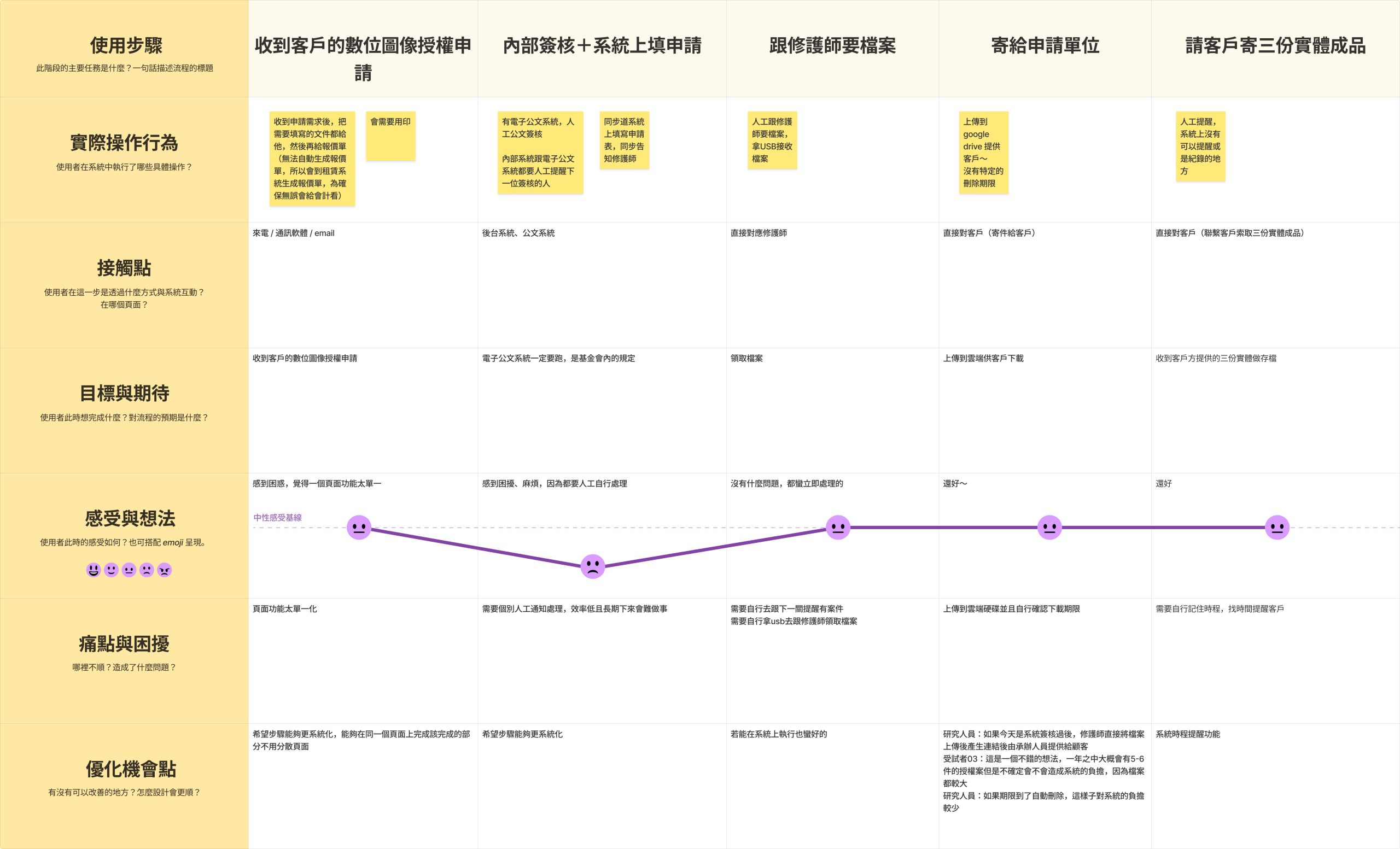
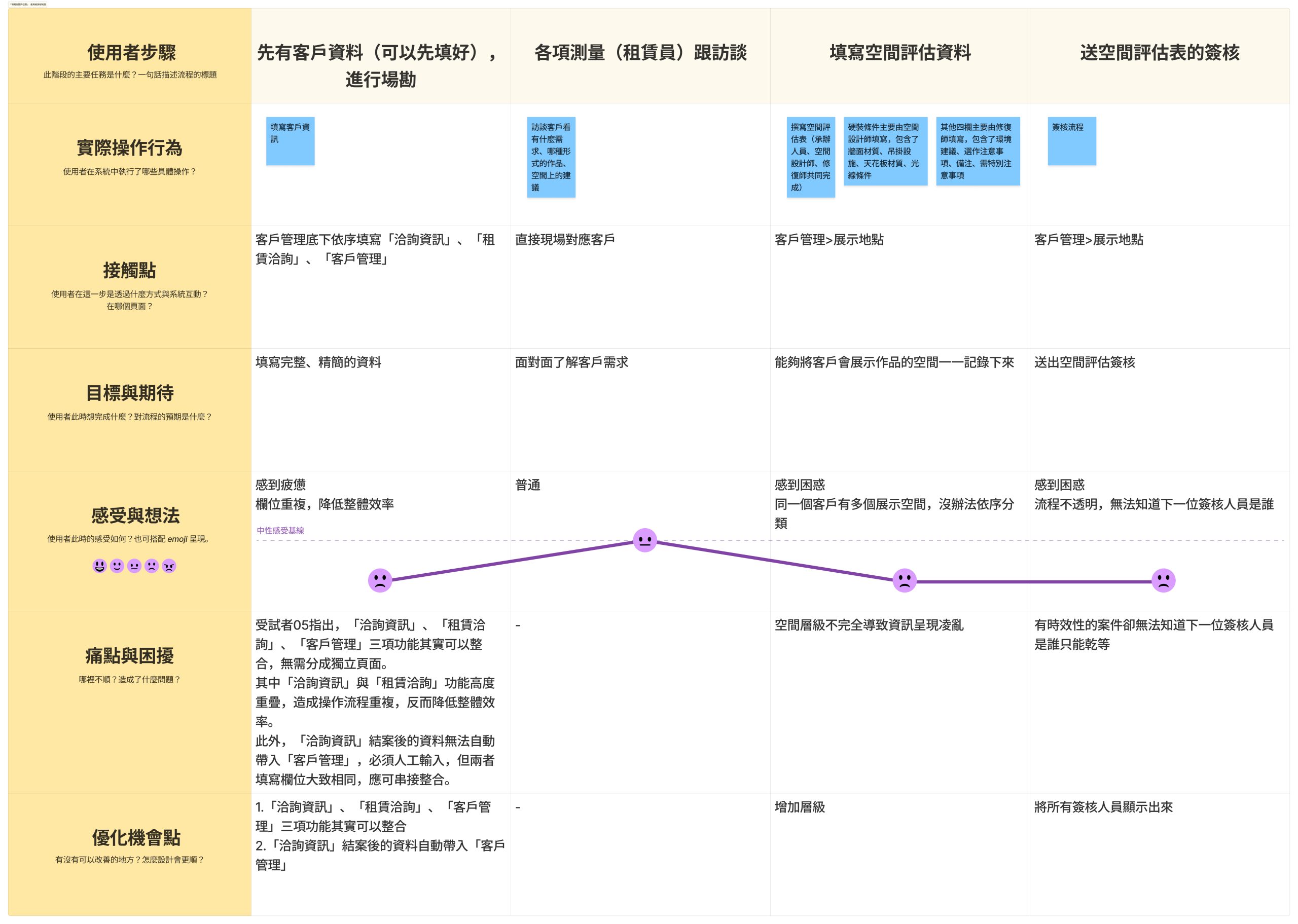
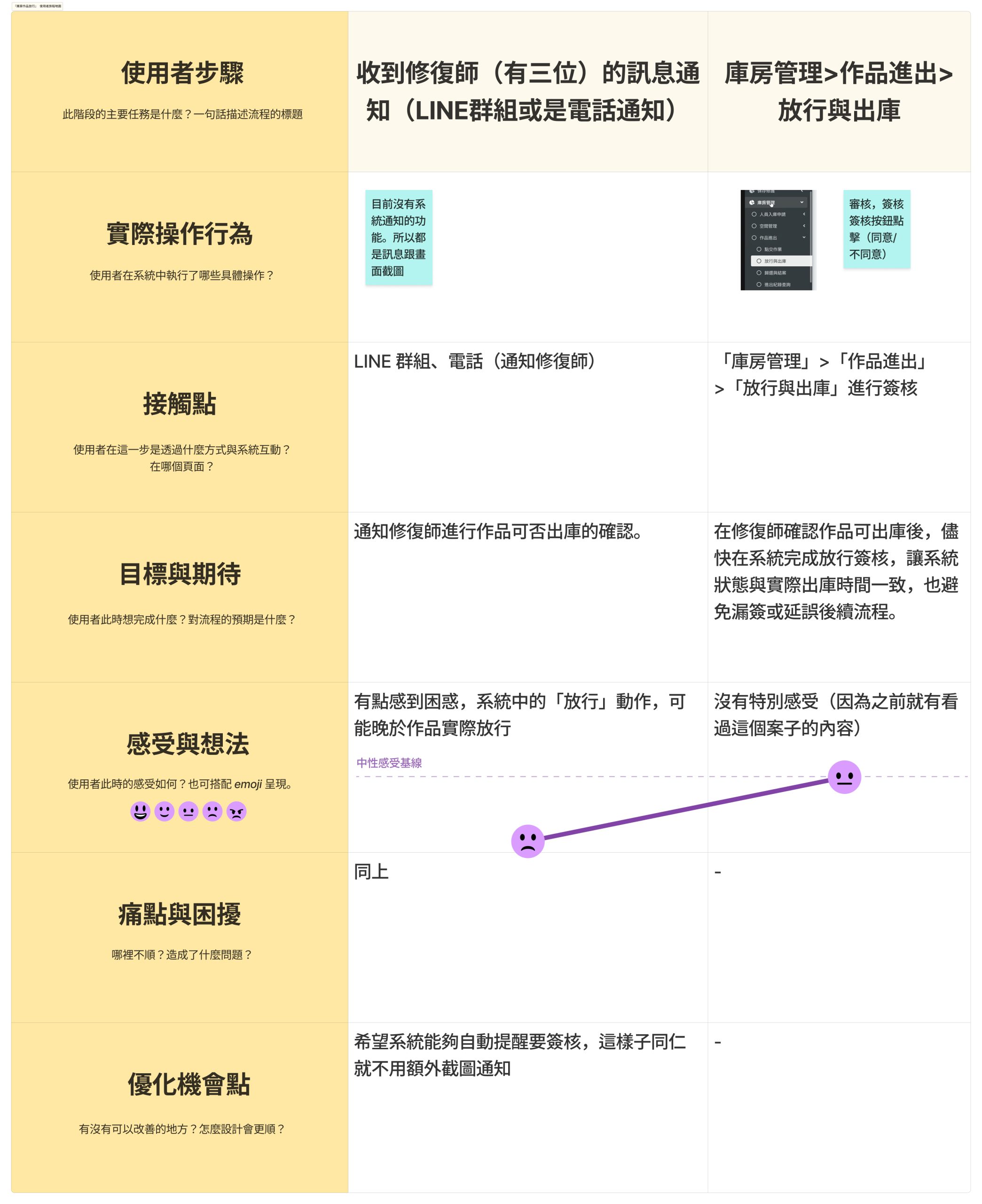
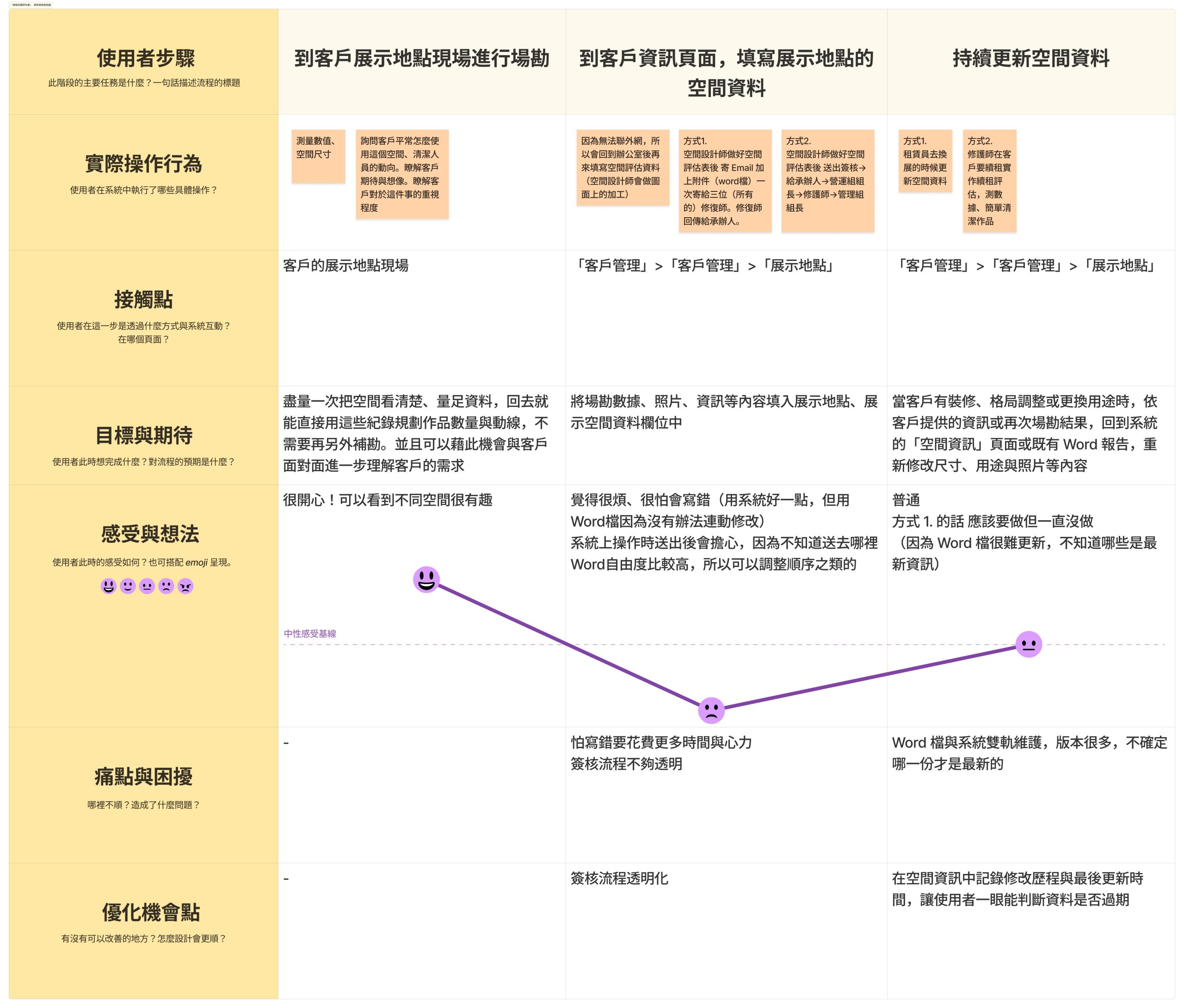
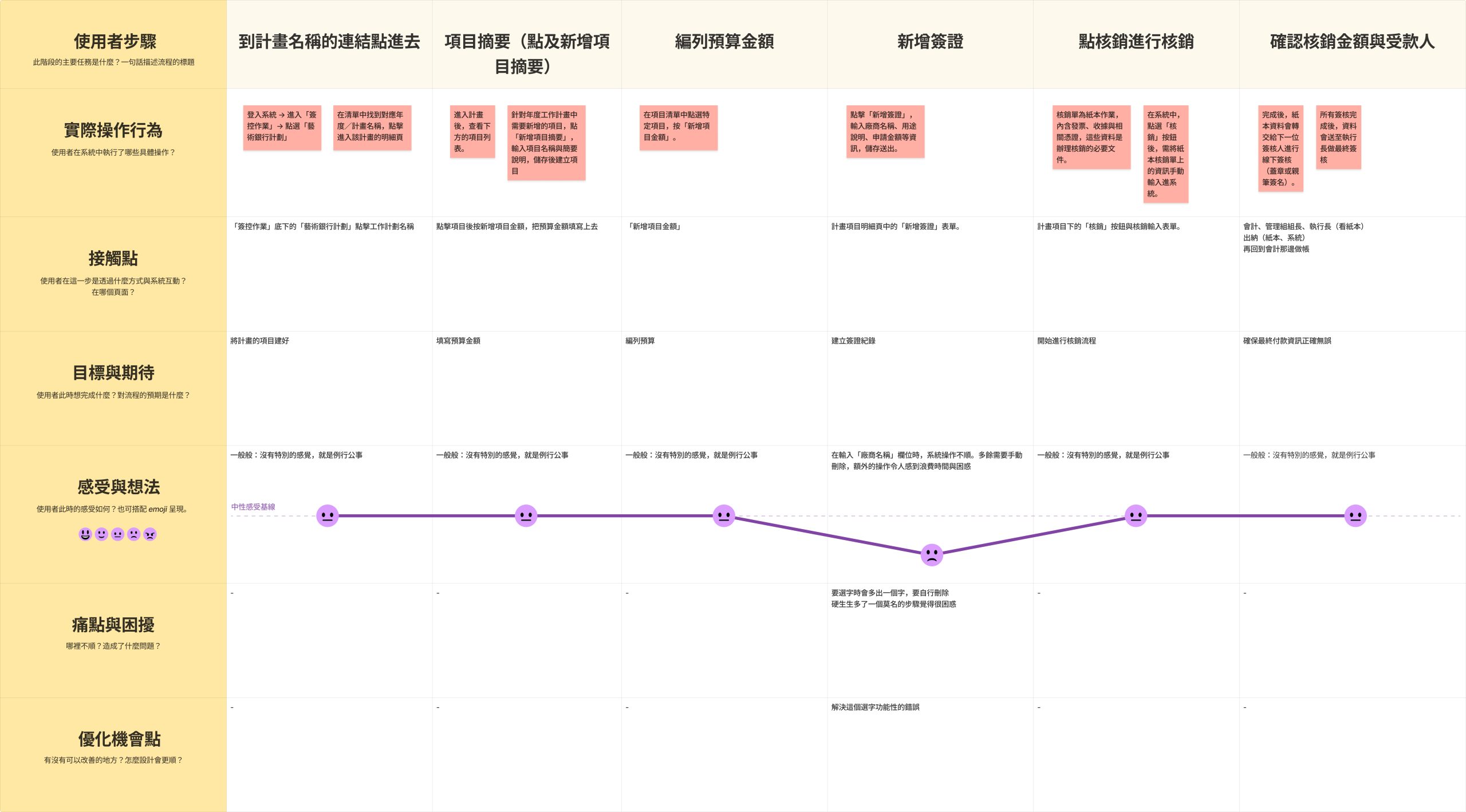
As the UX consultant and UI/UX designer, I conducted cross-role interviews and contextual workflow observation, documented task steps, mapped the current information architecture, and identified structural issues. I then translated findings into a proposed navigation structure and homepage layout, along with actionable UX recommendations for Phase 2 improvements. (Out of scope: visual rebranding, backend re-architecture, and net-new feature development.)
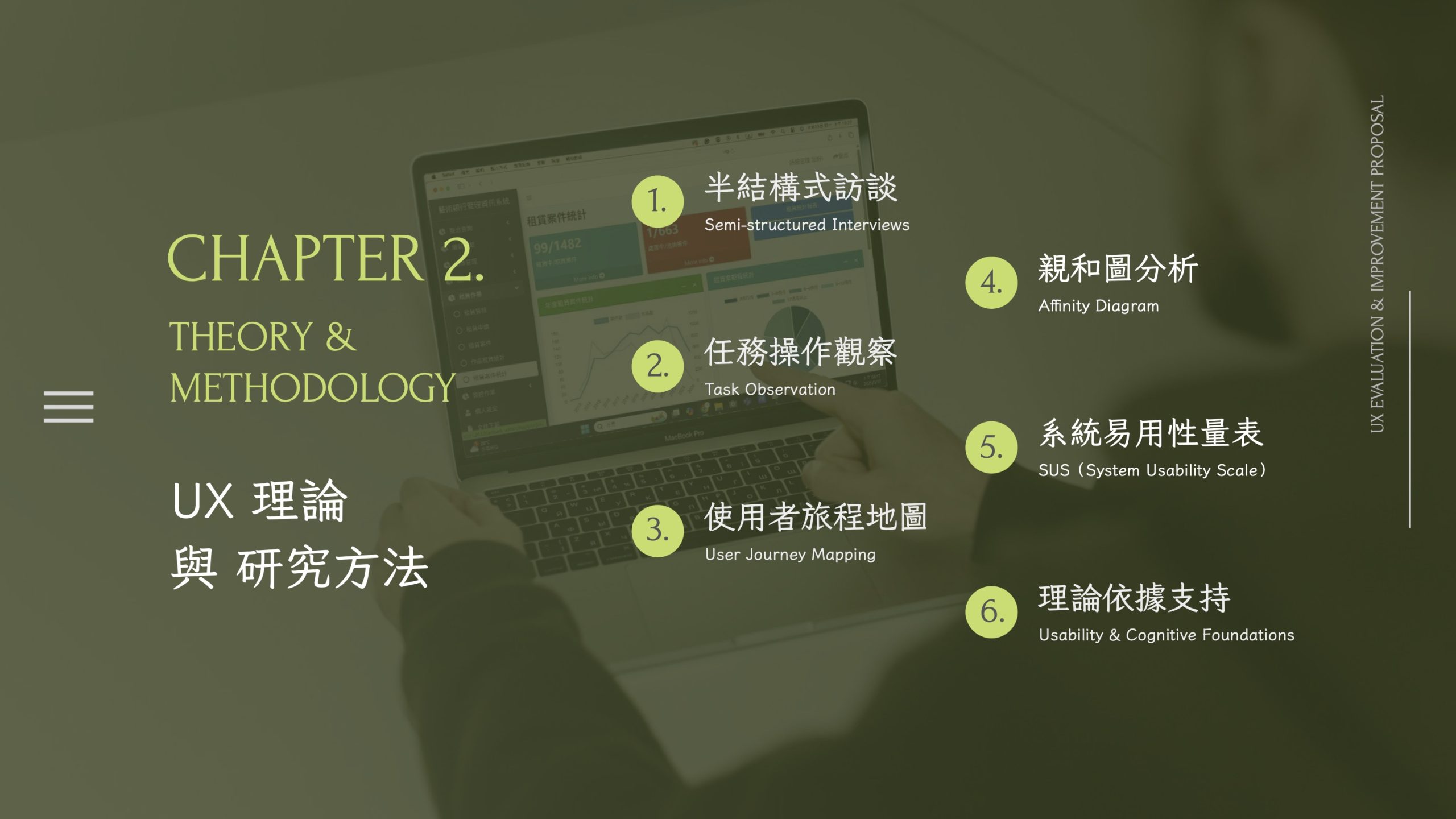
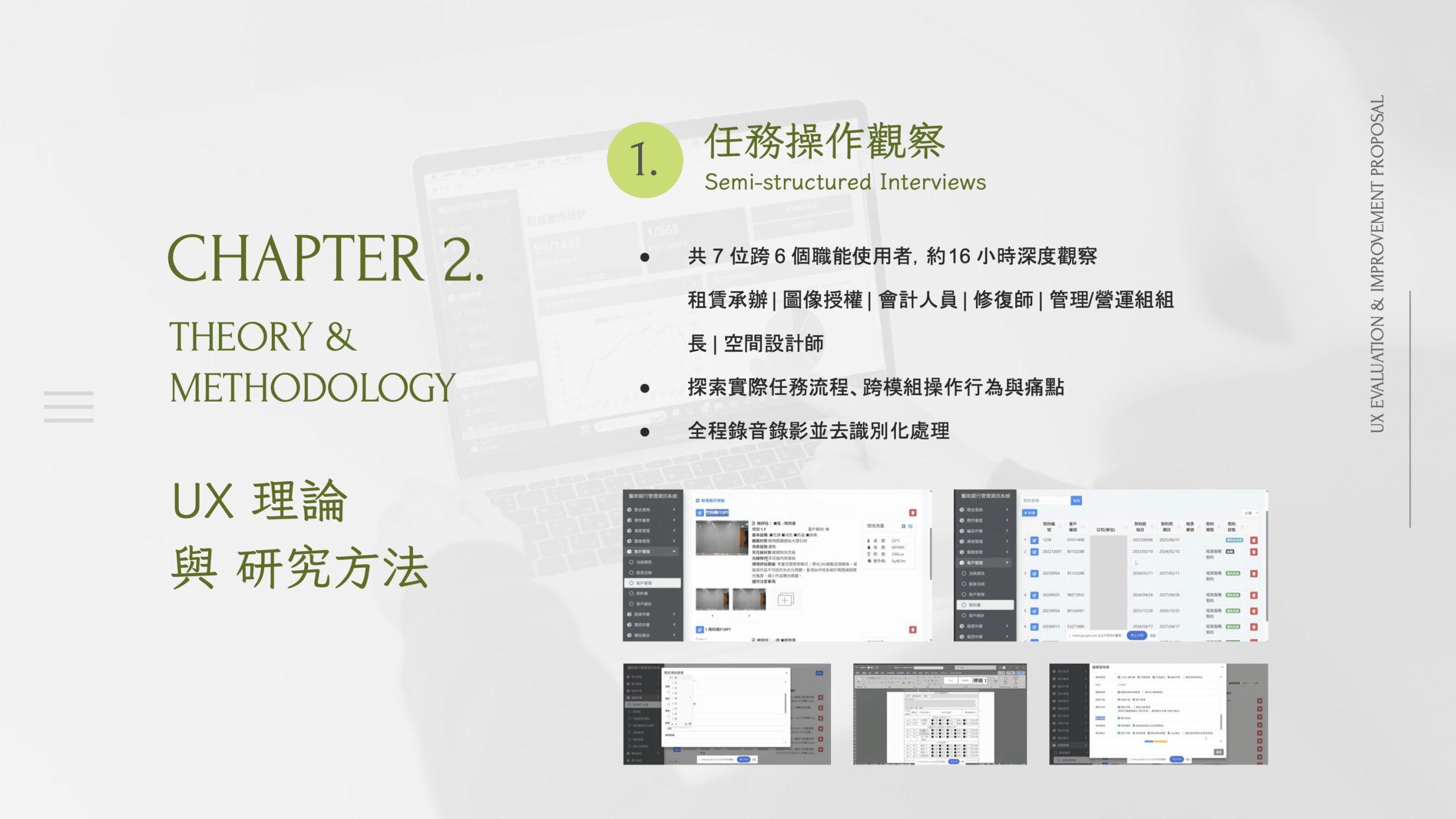
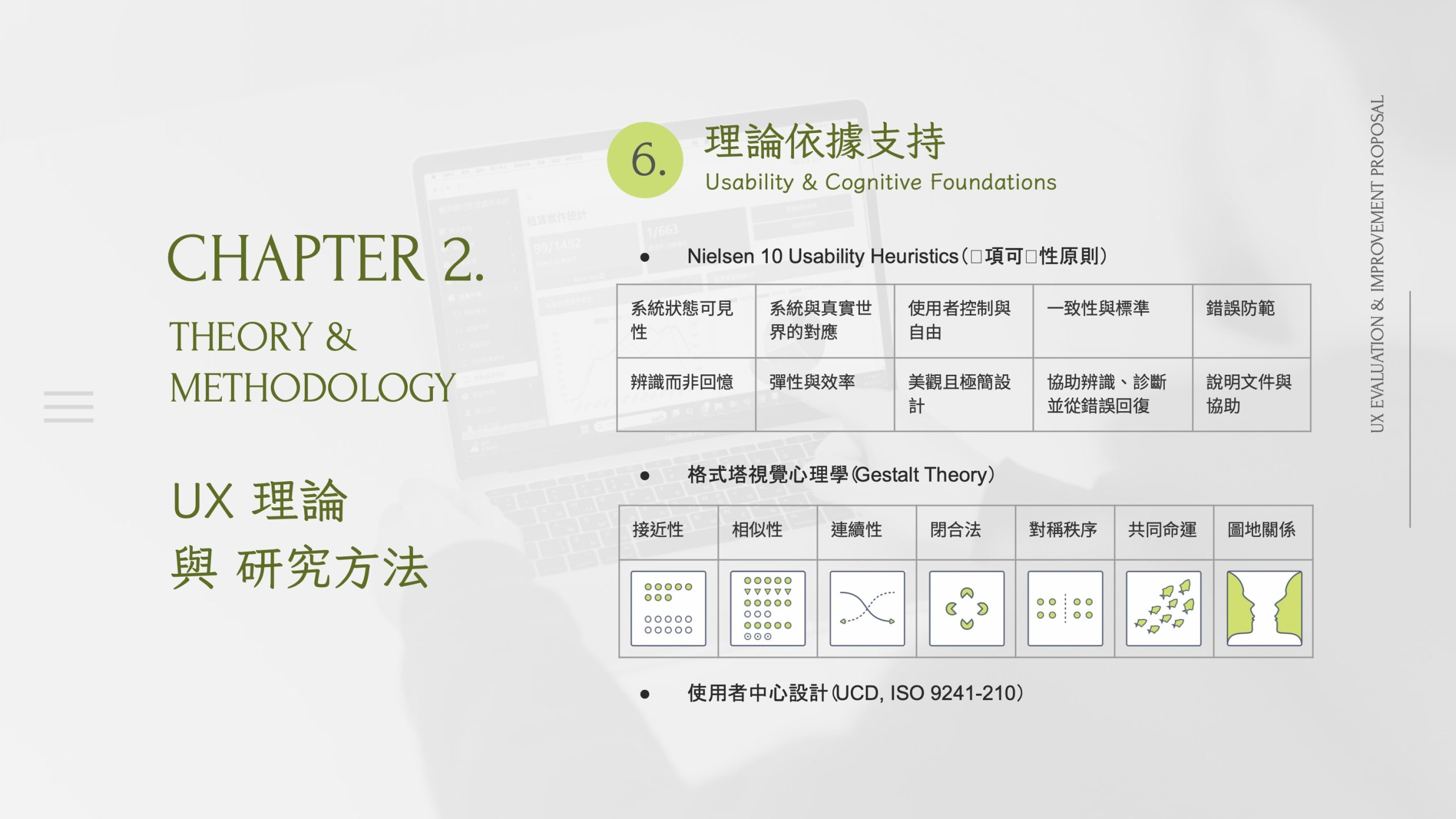
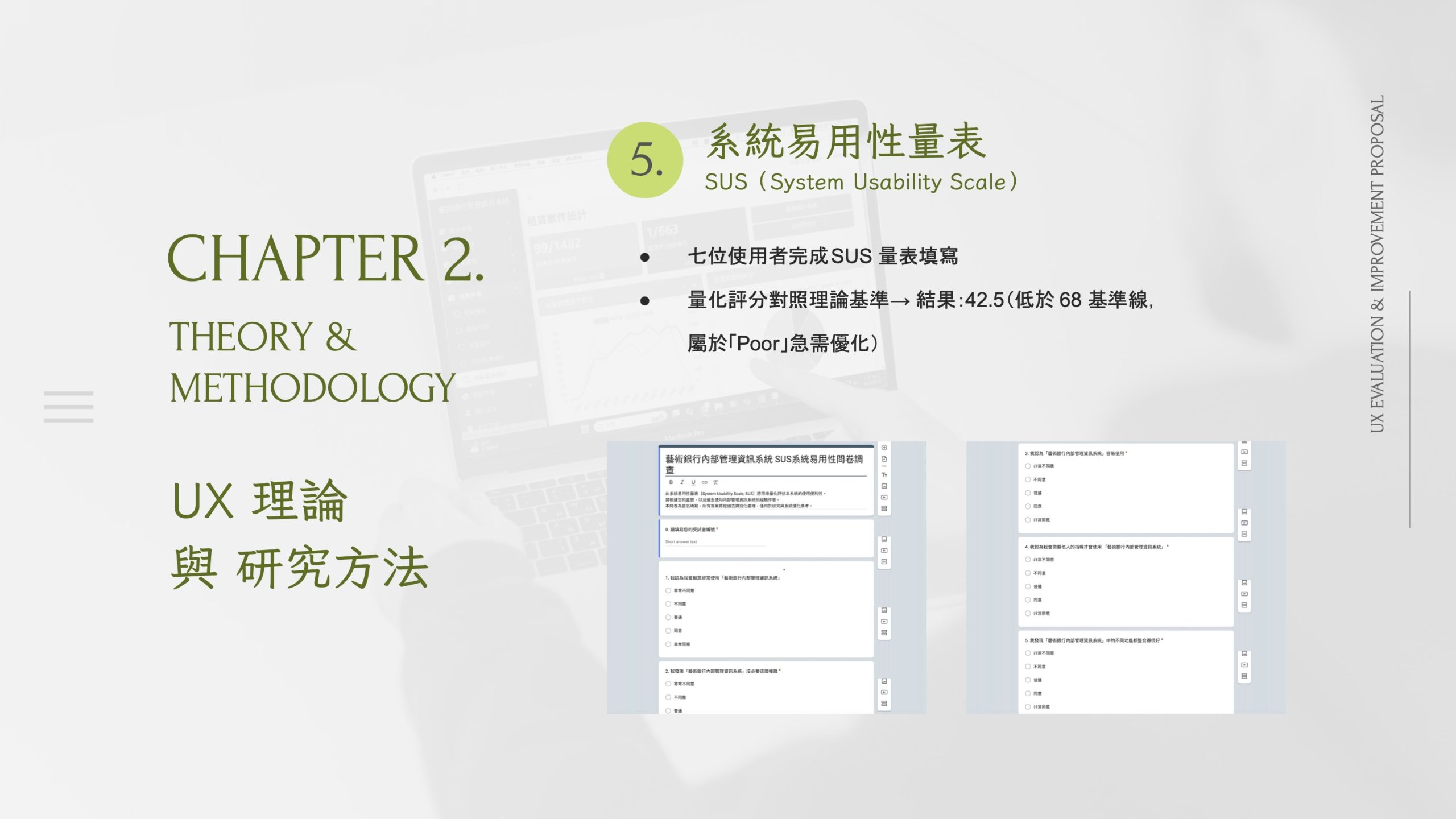
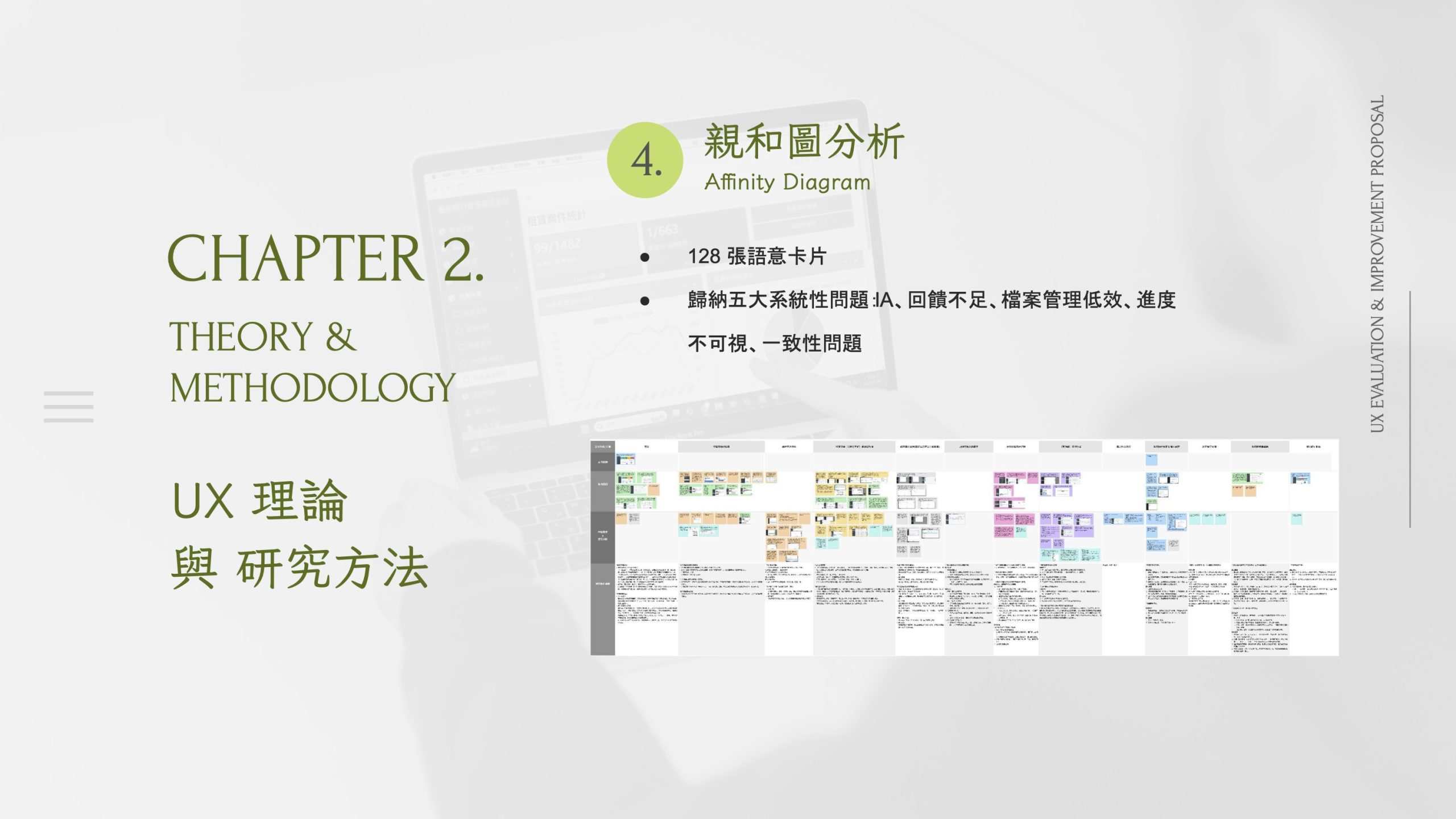
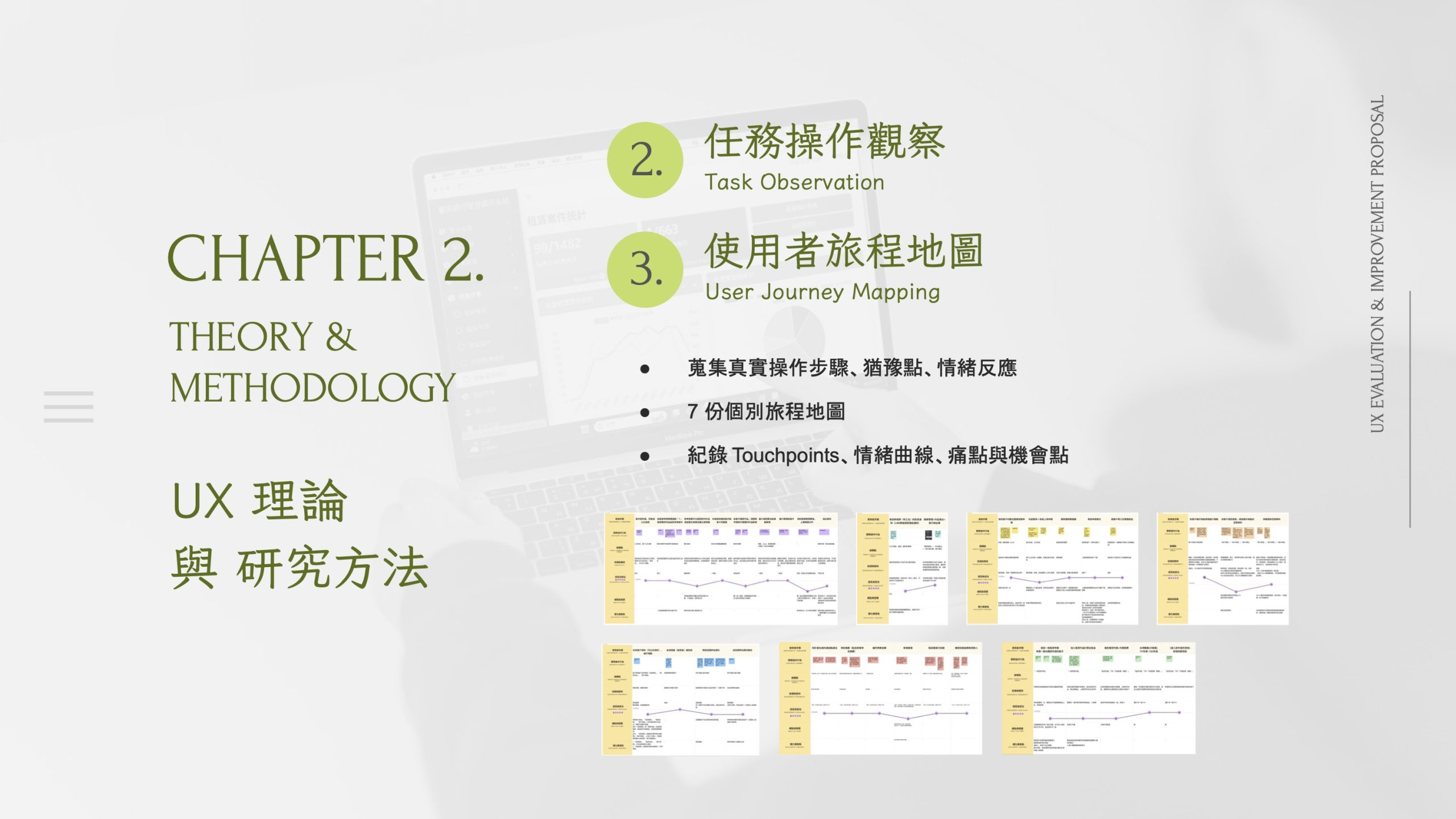
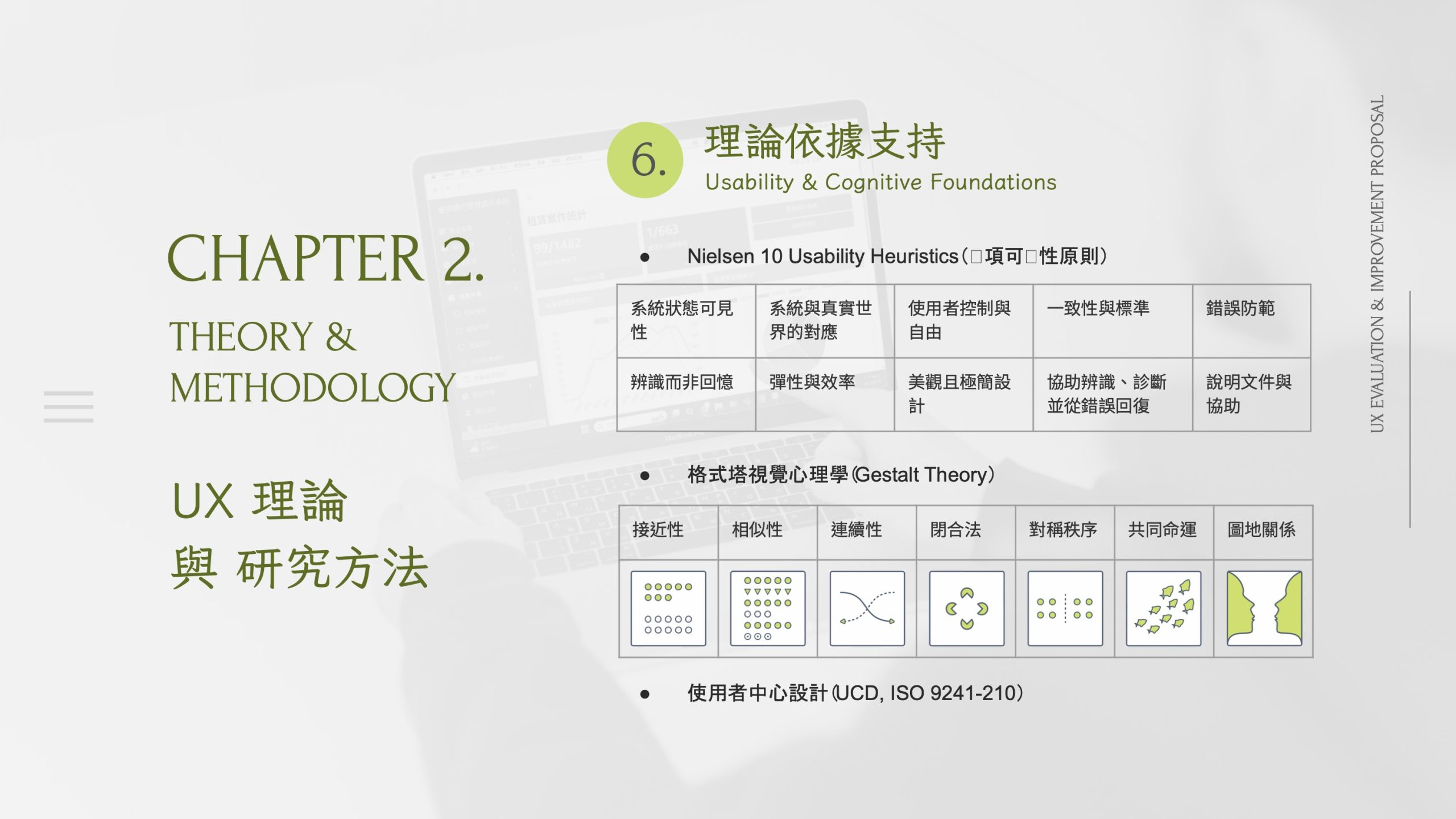
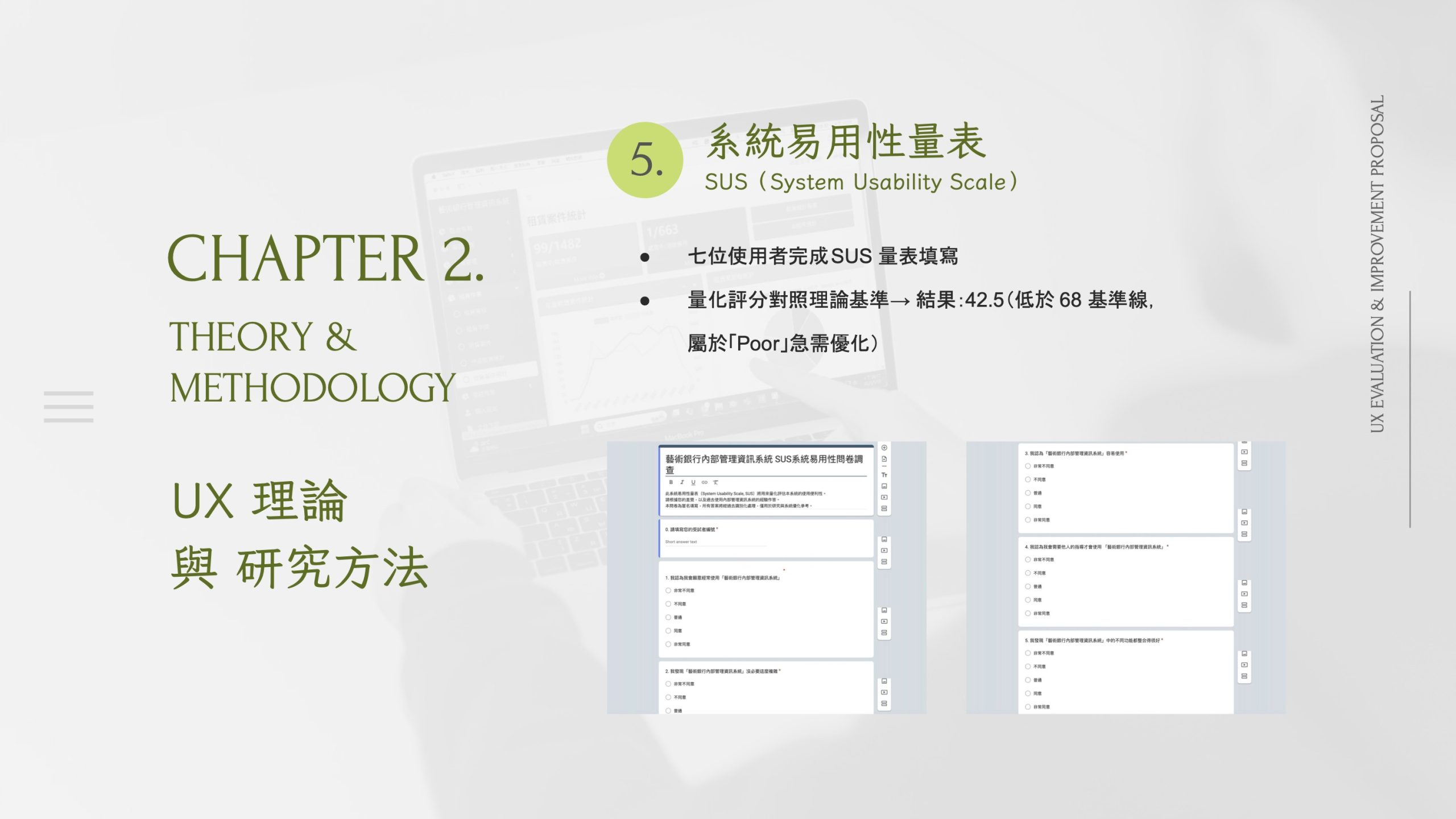
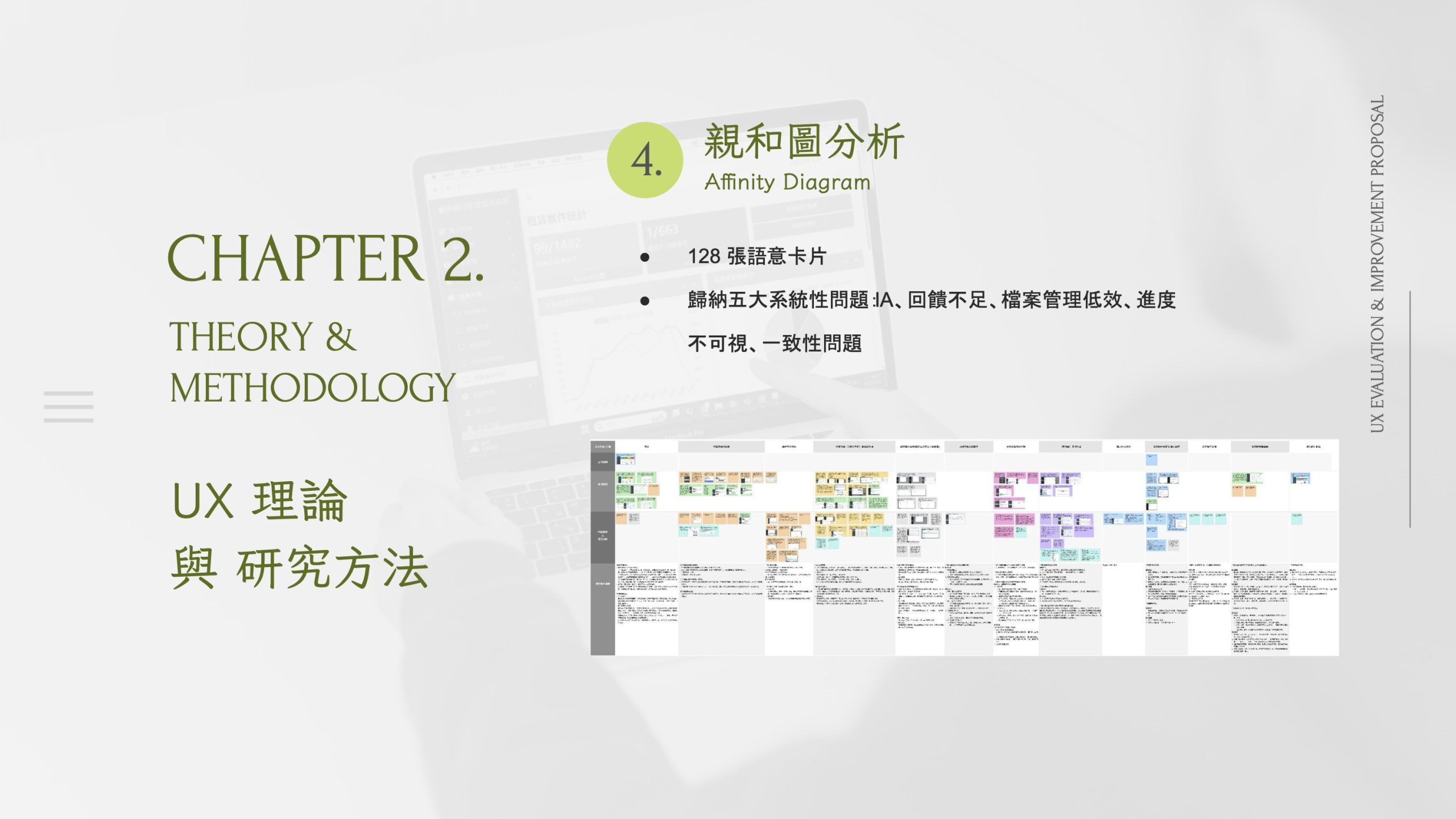
To ground recommendations in real operations, I used semi-structured interviews with seven internal users, task decomposition and role-based flow mapping, affinity mapping to synthesize recurring pain points, and a heuristic review focused on navigation, findability, and consistency.
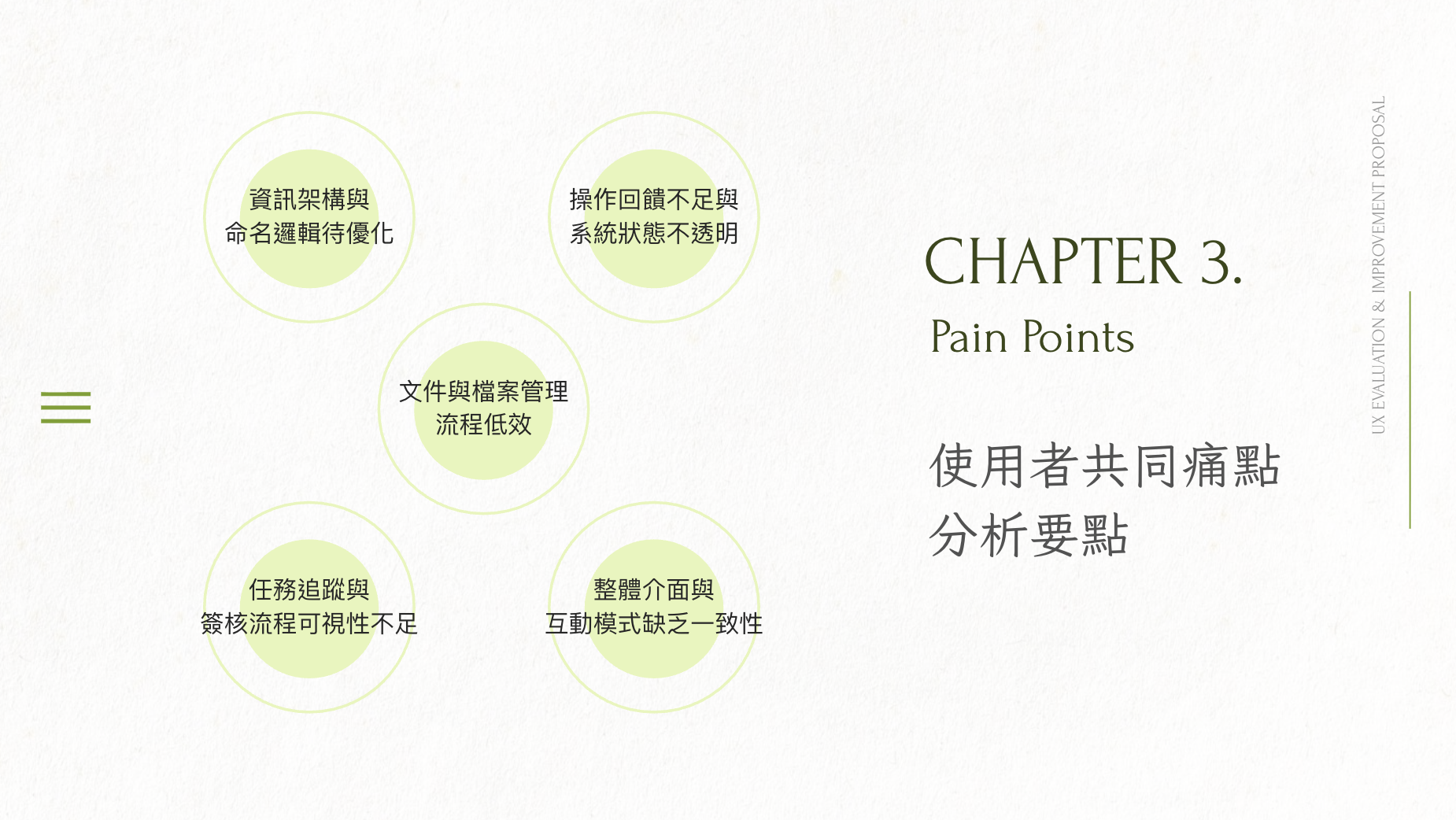
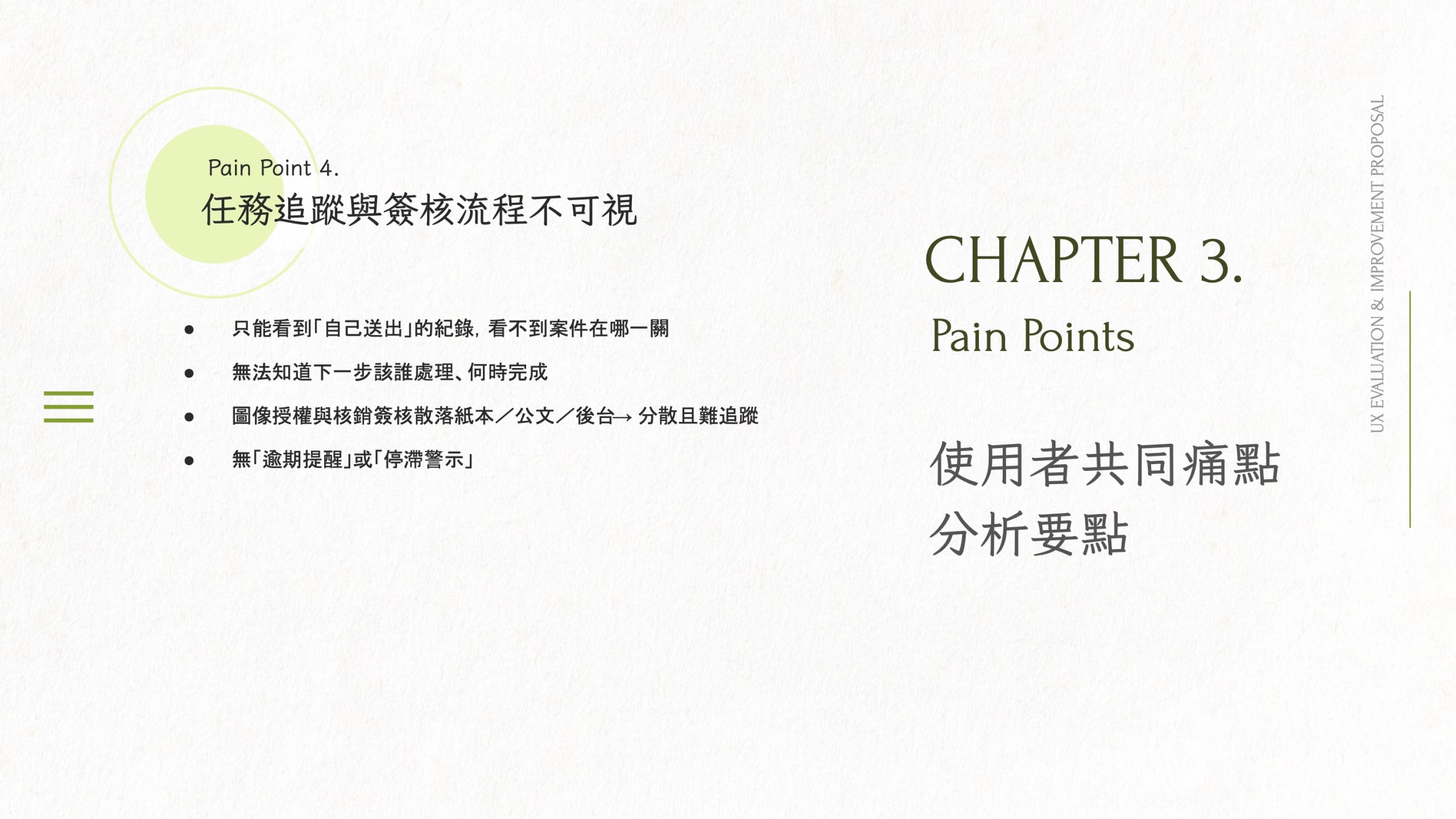
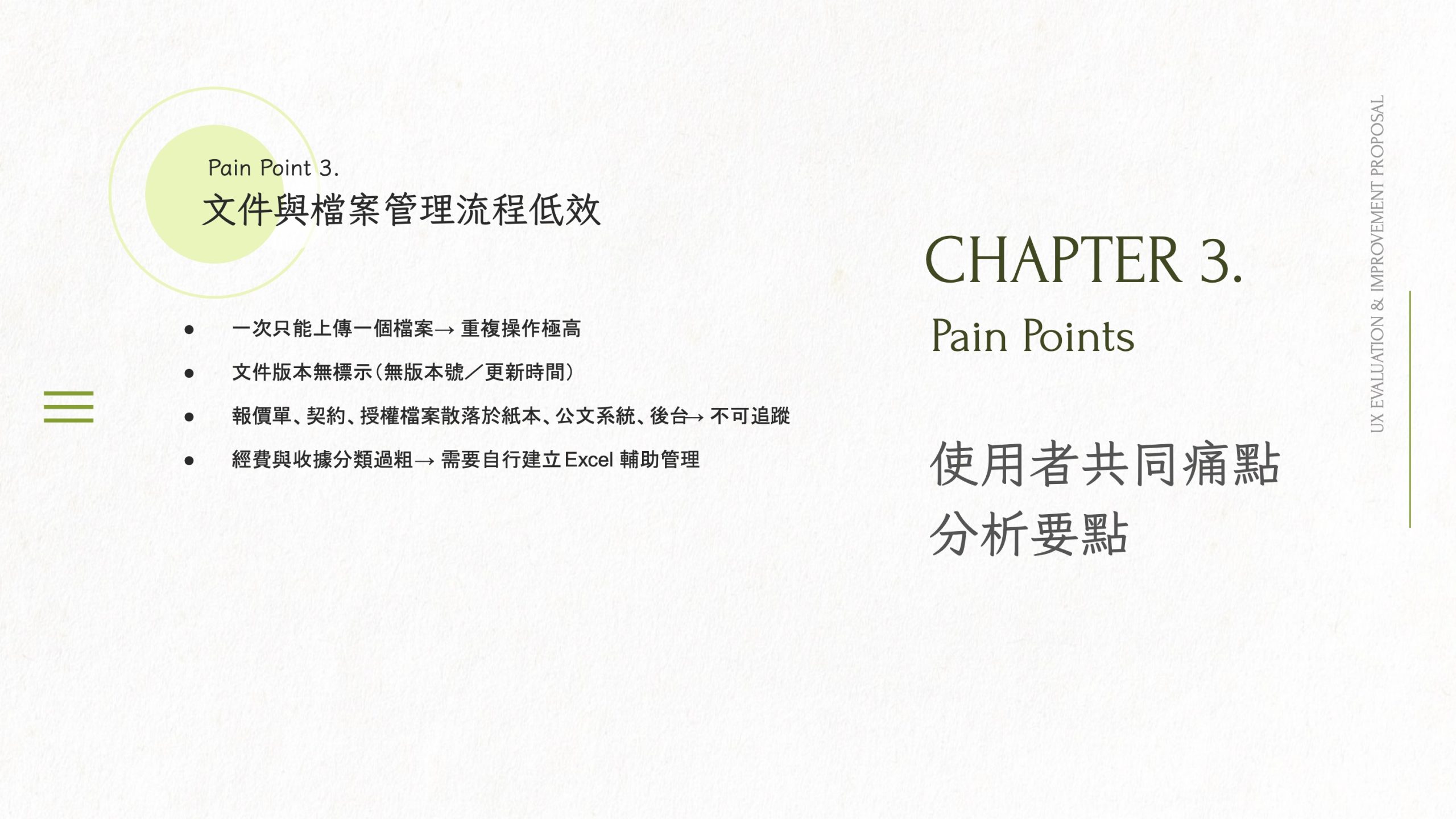
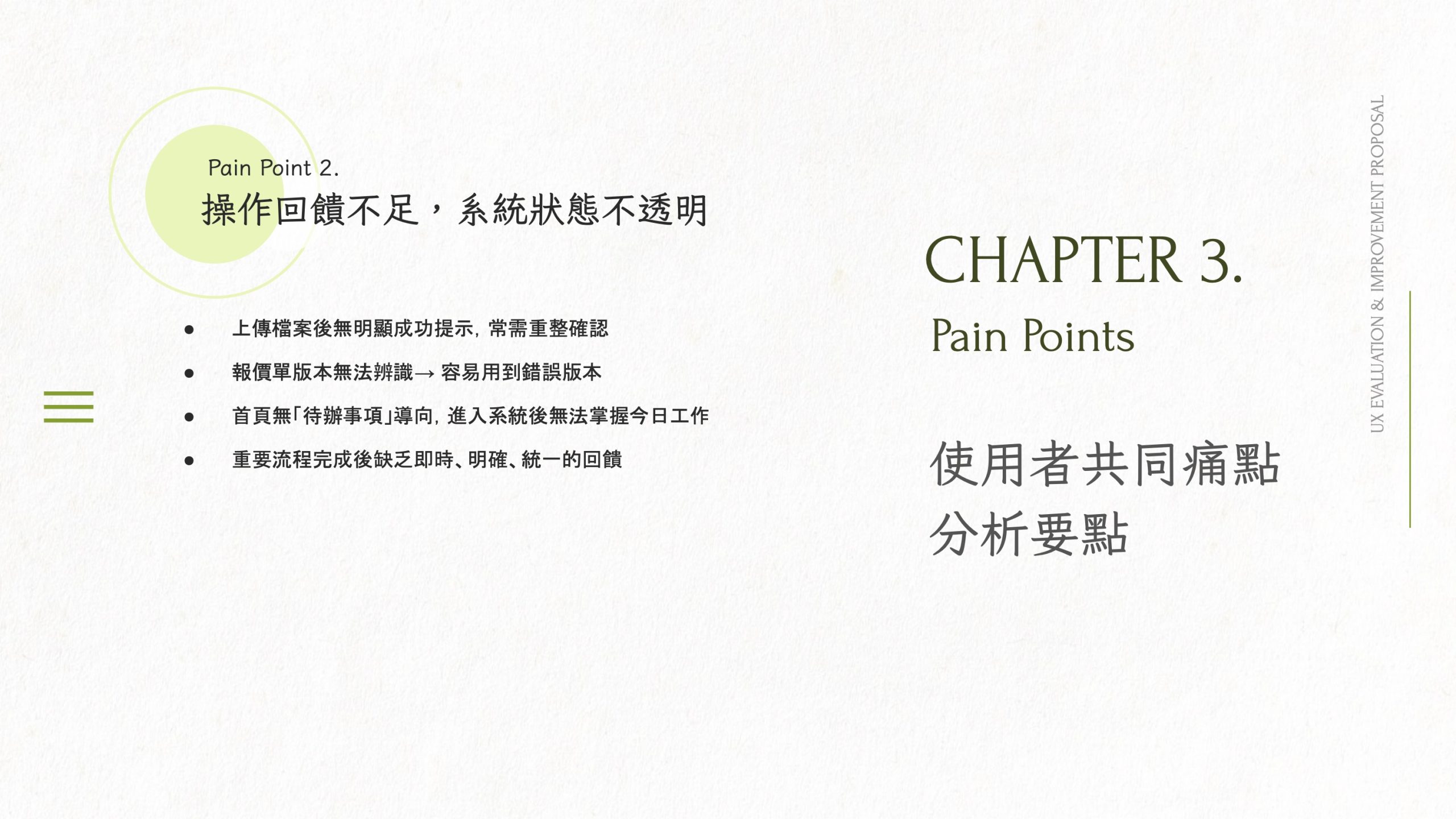
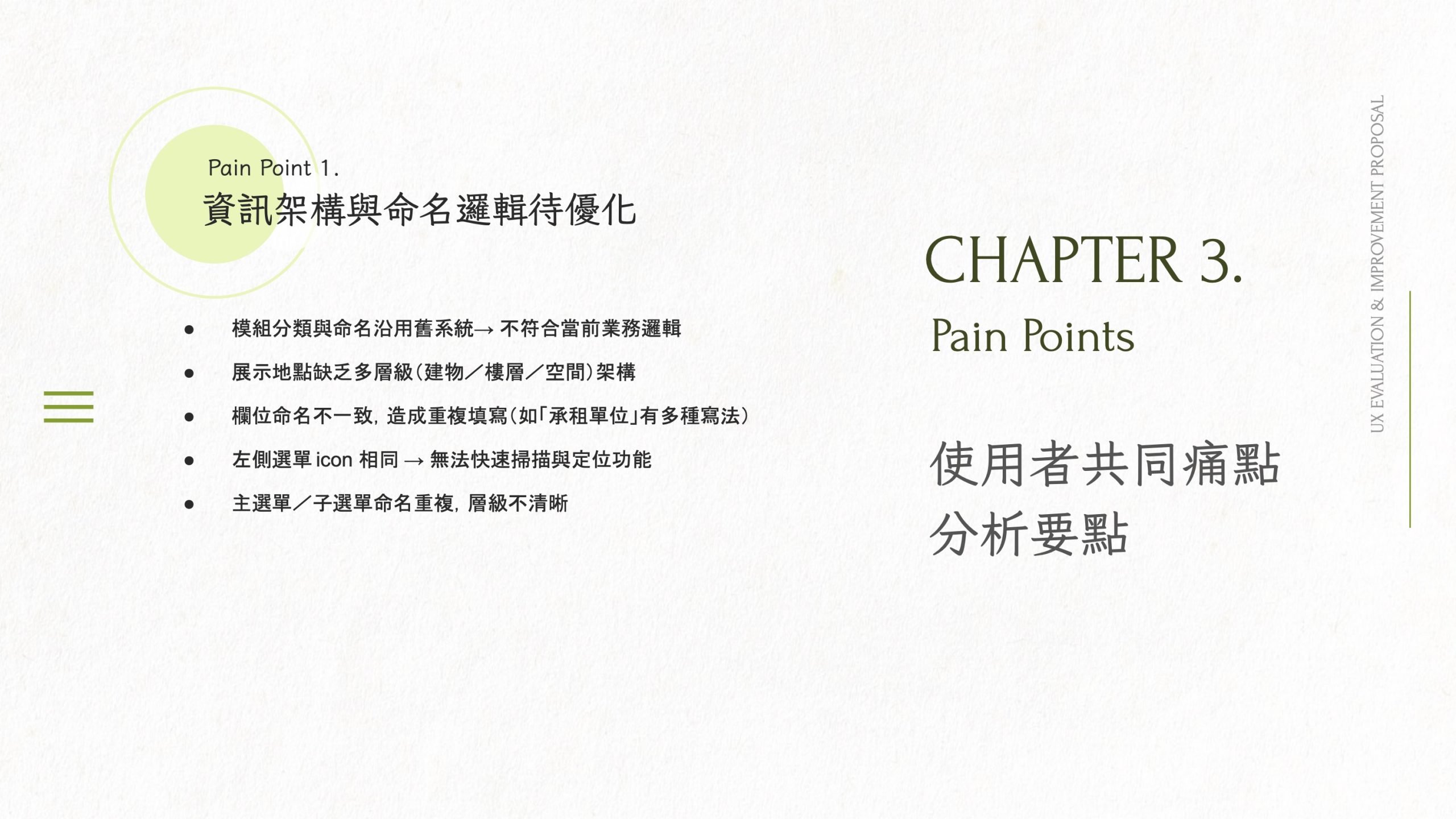
Key insights that shaped the redesign included: the navigation scale exceeded human scanability due to mixed concepts without a clear hierarchy; role-based workflows were implicit and dependent on personal experience rather than system guidance; naming and categorization were inconsistent across modules; the homepage lacked operational value such as quick entry points and status overview; and system feedback was often too weak to support confident decision-making in approval-heavy processes.
03
Design Strategy, Key Solutions & Roadmap
Design Strategies
To ensure improvements were scalable and consistent across the system, I focused on five core strategies:
Unify information architecture across modules to reduce fragmentation and improve findability
Strengthen task orientation, especially on the homepage, so users can act immediately
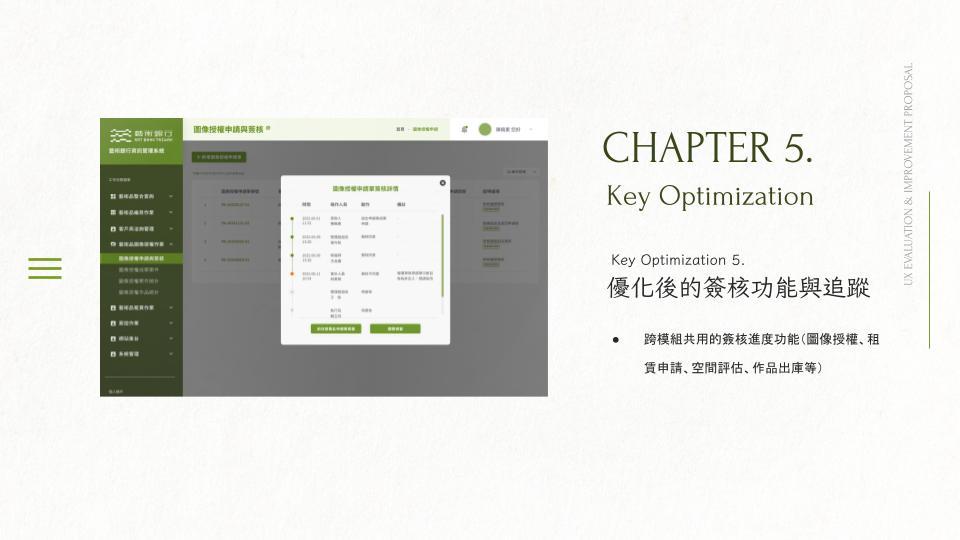
Introduce visual case tracking (timeline, status, next owner) to improve process transparency
Reduce cognitive load through clearer grouping, spacing, and consistent UI components
Build shared cross-module capabilities (quotation, file management, approvals) to avoid repeated workarounds
Key Solutions (Highlights)
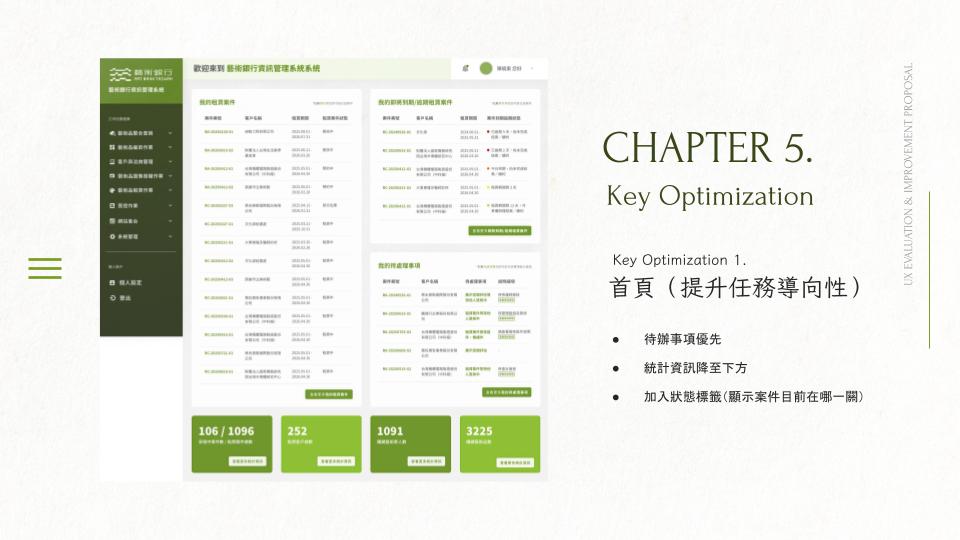
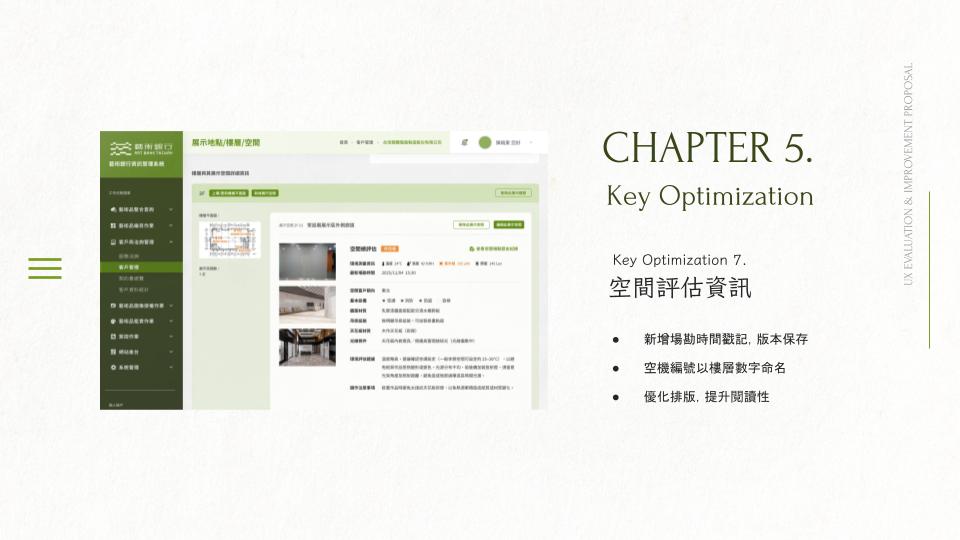
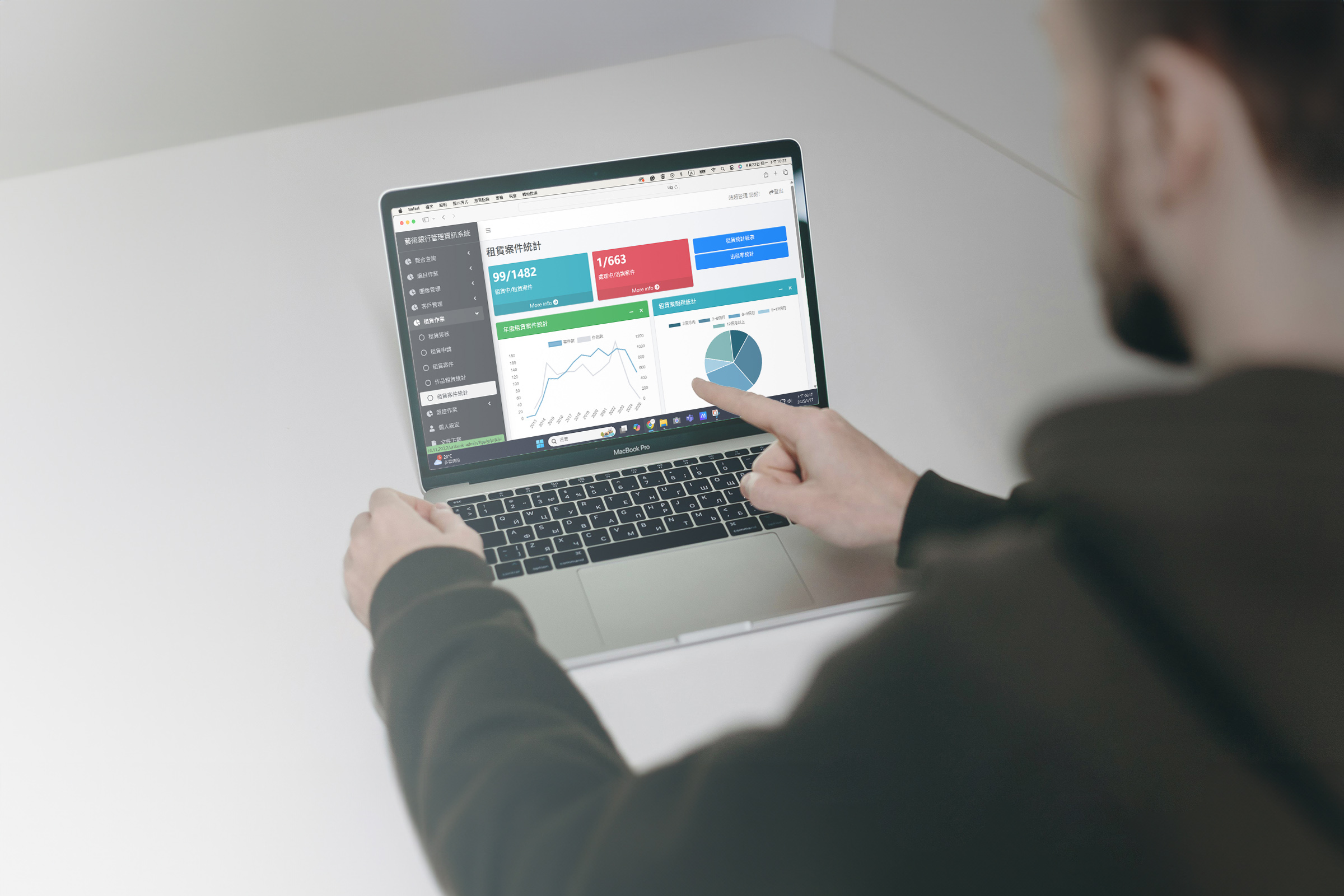
Homepage redesign: prioritized to-dos, moved secondary stats lower, and added status tags so users can instantly see where each case stands
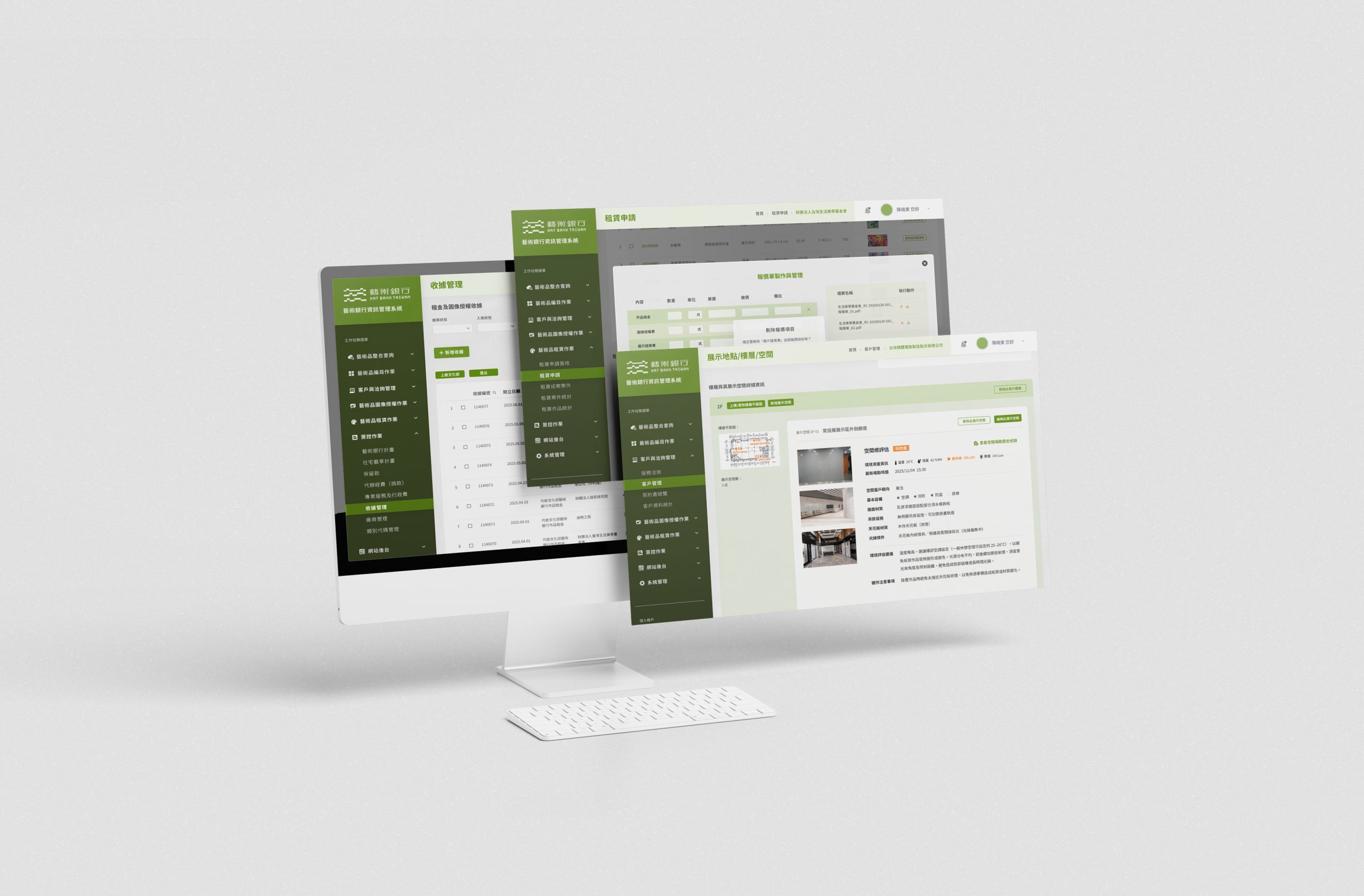
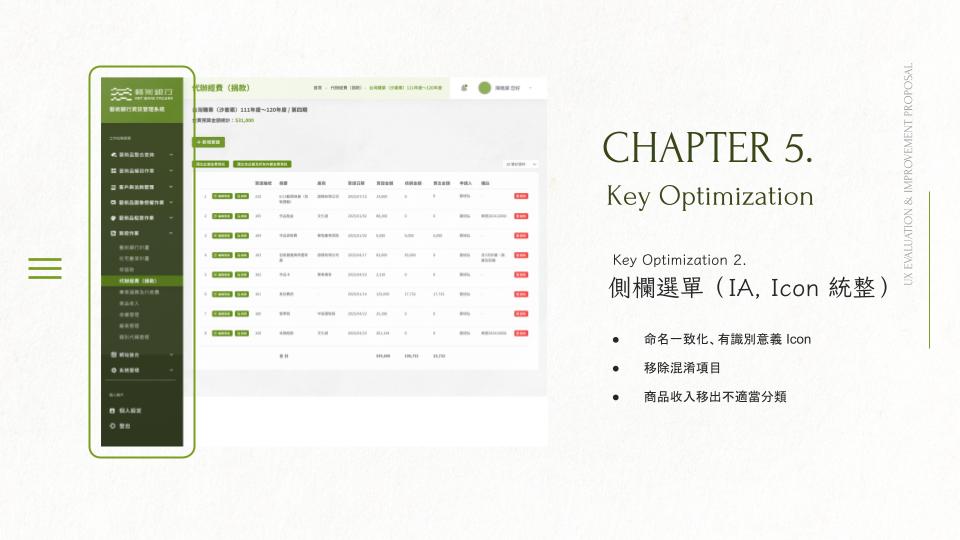
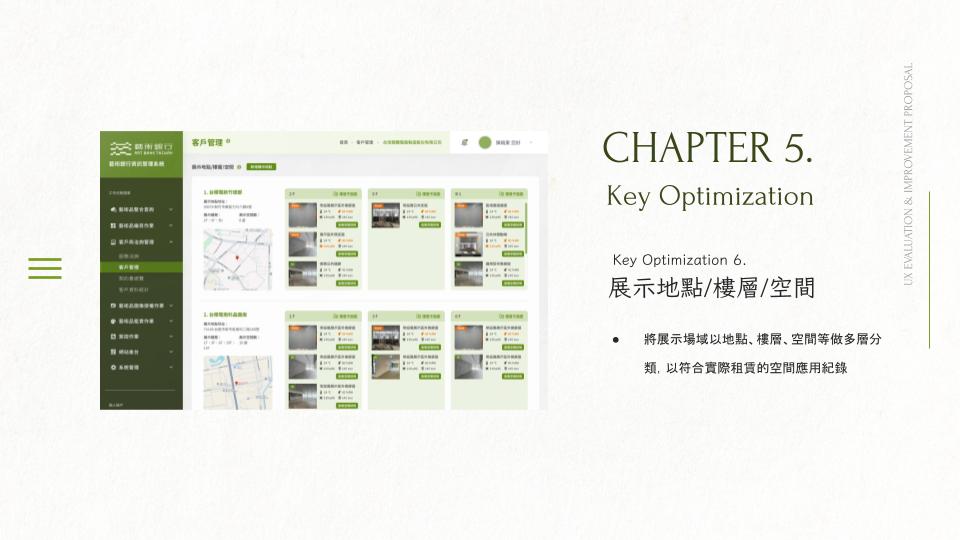
Sidebar + IA + icon system: standardized naming, improved recognizability with clearer icons, removed confusing items, and corrected misplaced categories (e.g., “product revenue”)
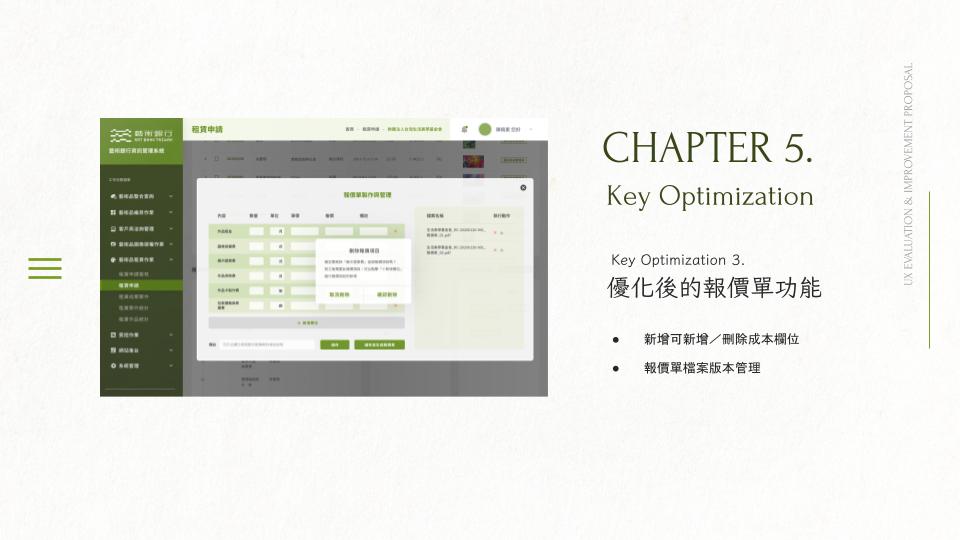
Quotation module enhancement: enabled flexible cost fields and introduced version management to support real-world pricing workflows
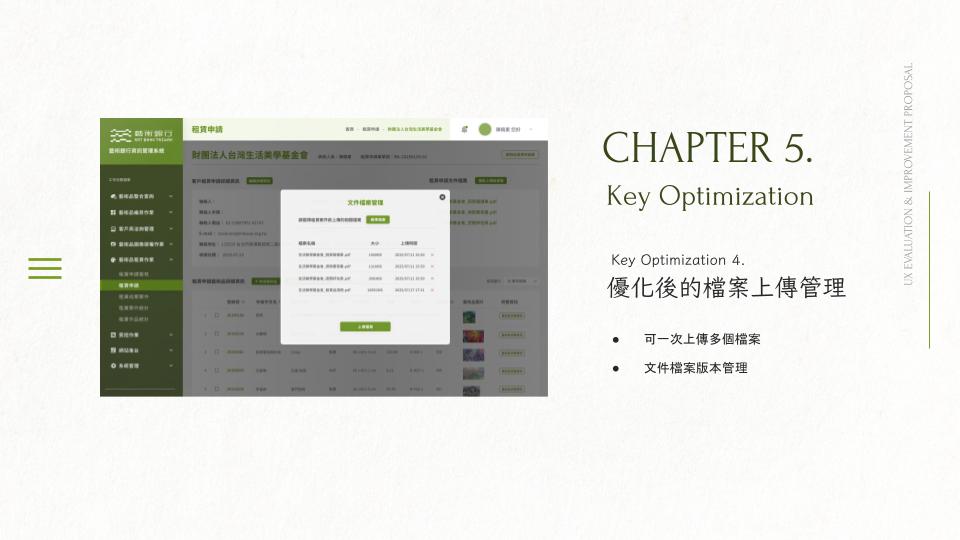
File upload management: supported multi-file uploads and versioning to improve documentation and reduce manual tracking
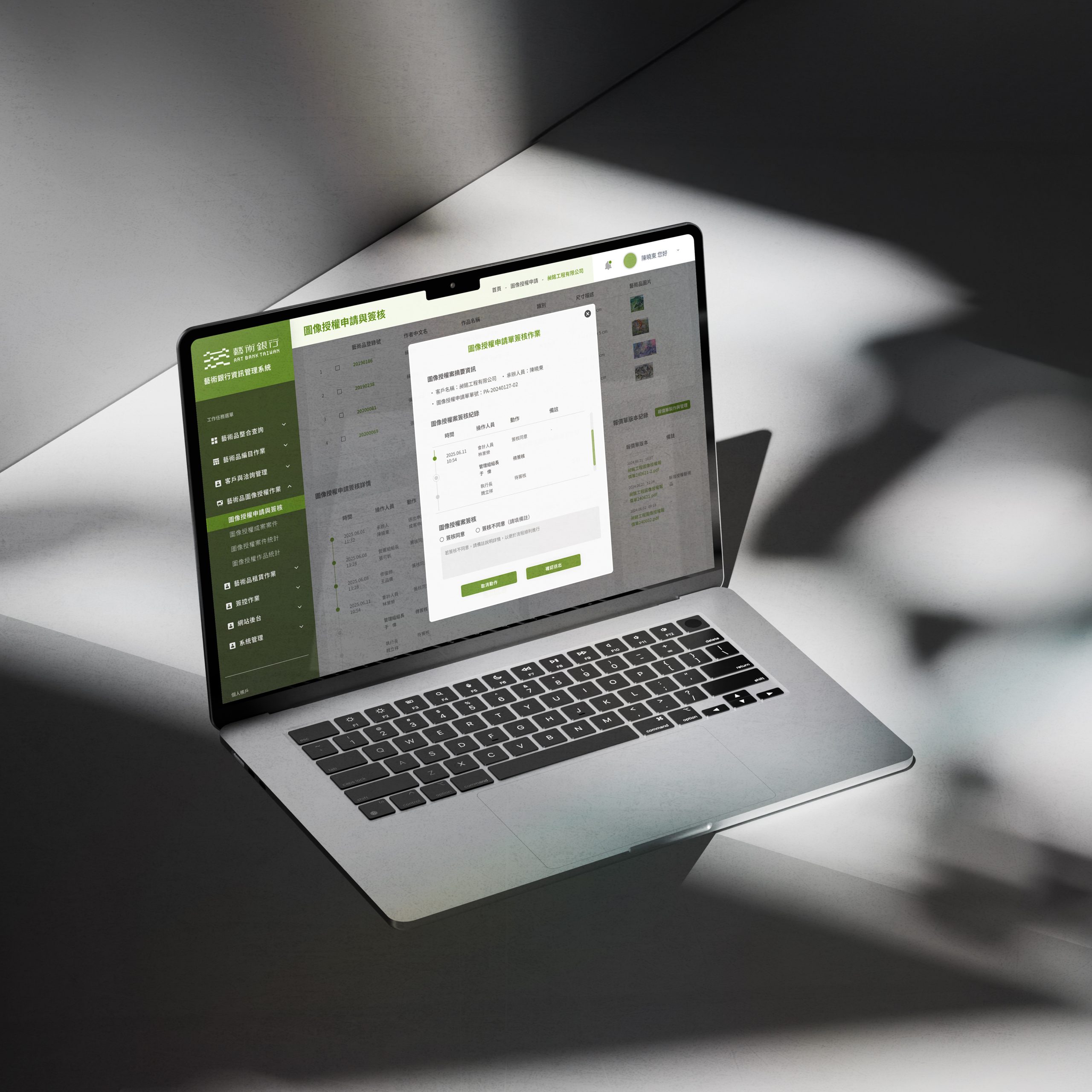
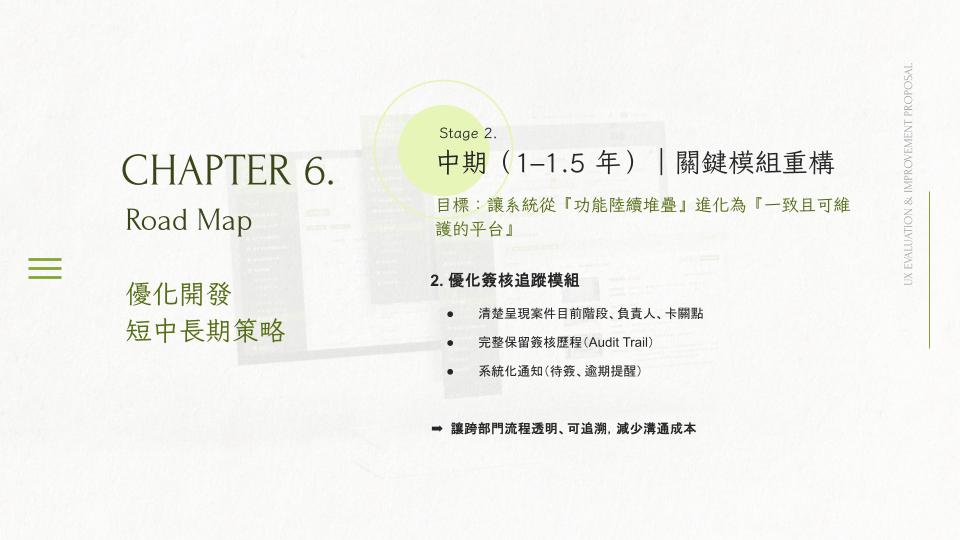
Approval tracking: implemented a shared progress-tracking pattern across modules to make workflow ownership and bottlenecks visible
Roadmap
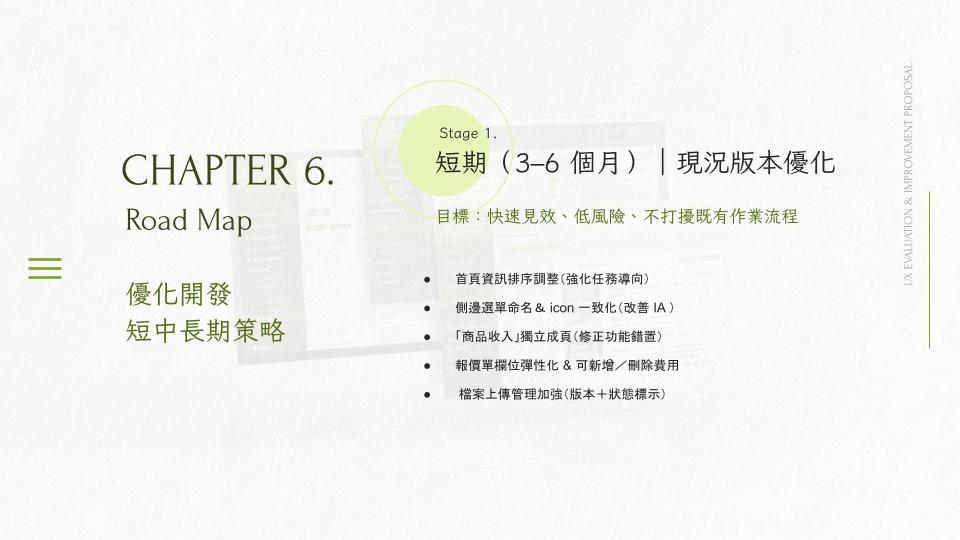
Short-term (3–6 months): low-risk quick wins (homepage ordering, sidebar naming/icons, file status & versioning, quotation flexibility)
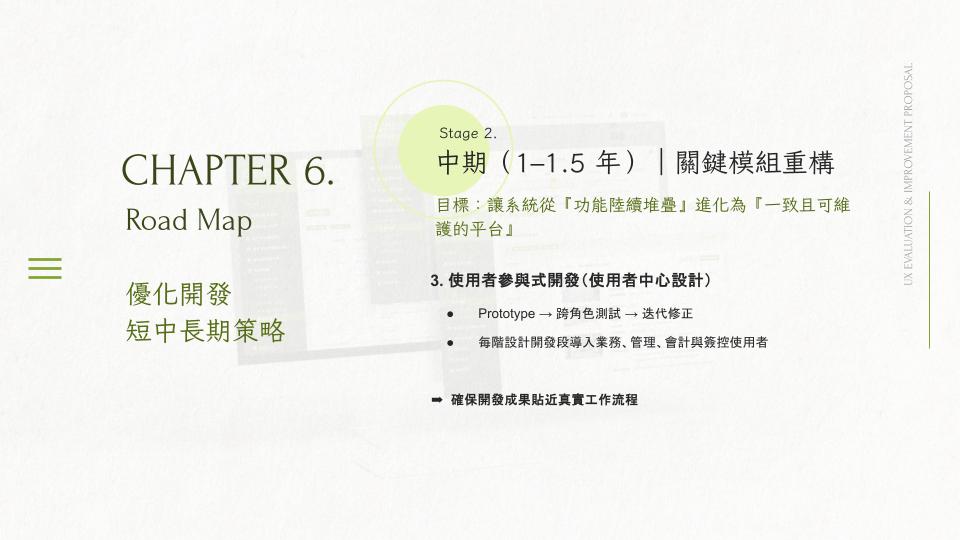
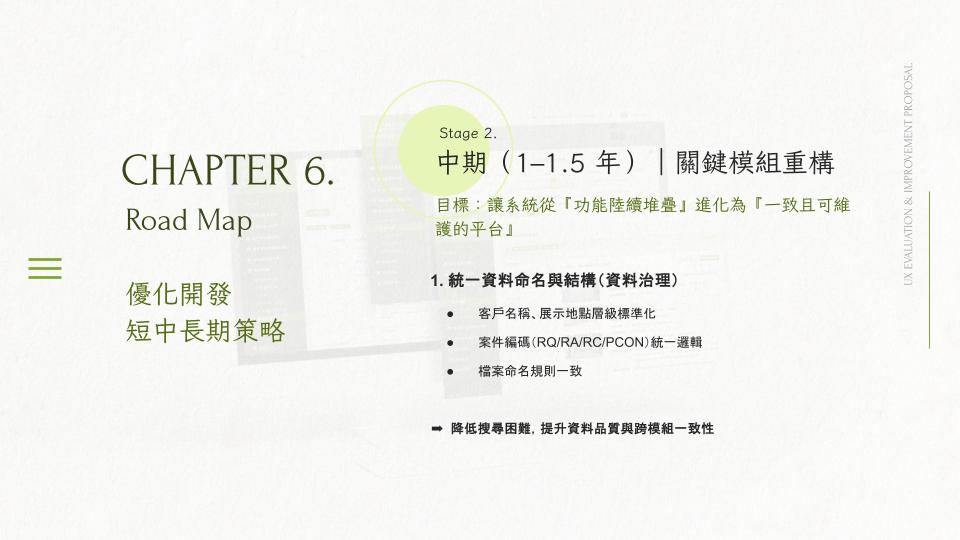
Mid-term (1–1.5 years): refactor core modules with stronger data governance, systematic approval tracking, and a participatory UCD process
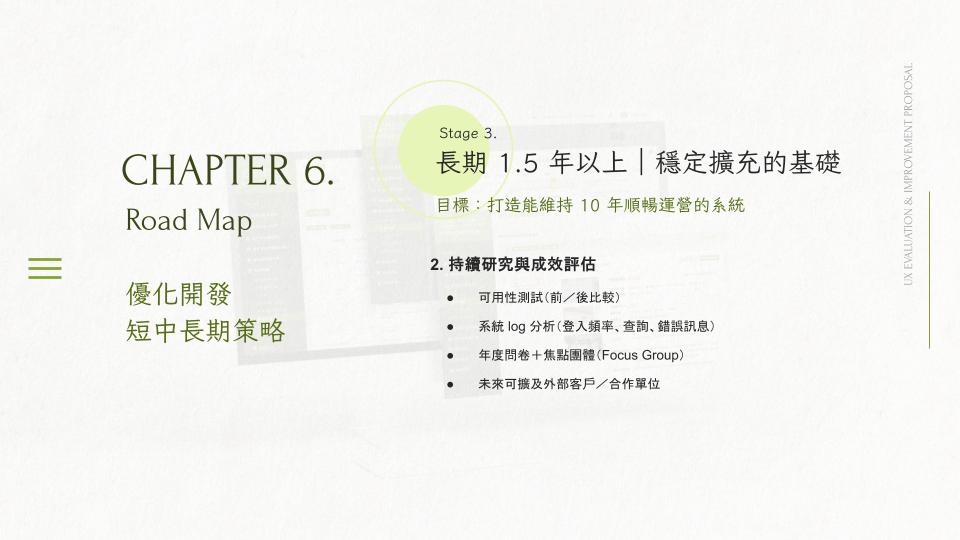
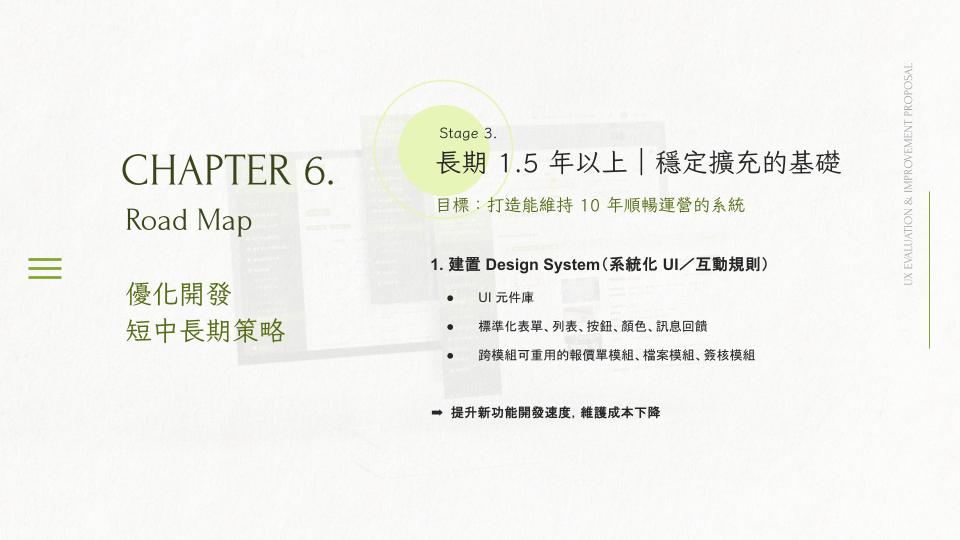
Long-term (1.5+ years): establish a design system and continuous evaluation (usability comparisons, log analysis, annual surveys / focus groups)